Course Objectives
1. What will you learn in the Figma course?
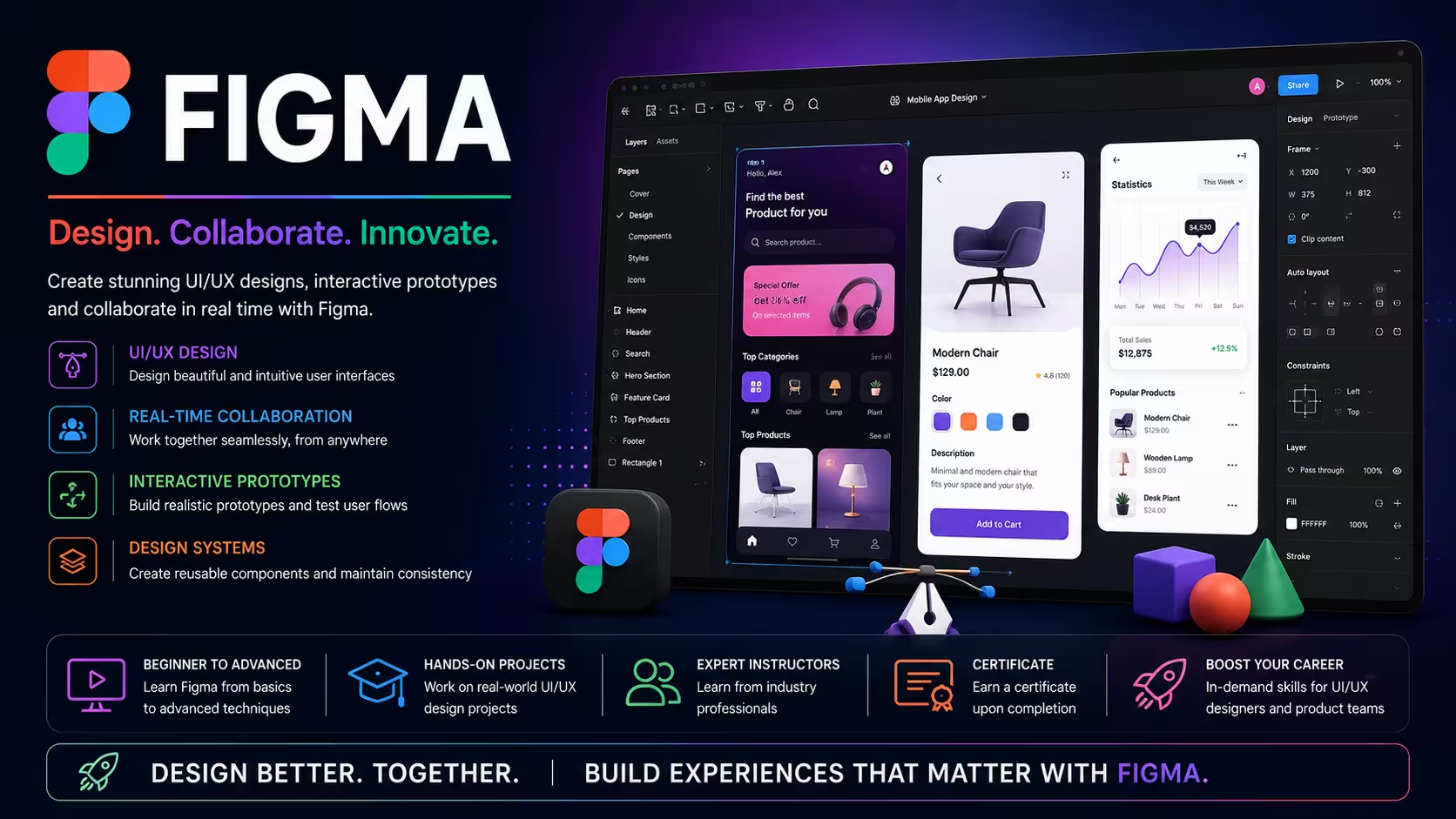
You will learn how to design modern websites, mobile applications, dashboards, and user interfaces using Figma. The course covers UI design, UX principles, wireframing, prototyping, design systems, components, auto layout, collaboration, and responsive design.
2. How does this course prepare you for real-world UI/UX design projects?
The course provides hands-on experience in creating wireframes, interactive prototypes, mobile app interfaces, website layouts, design systems, and collaborating with developers using industry-standard design workflows.
3. What practical skills will you develop during the training?
You will gain expertise in Figma tools, UI design, UX design principles, wireframing, prototyping, Auto Layout, reusable components, responsive design, design collaboration, and developer handoff.
4. How will real-time projects improve your Figma skills?
You will work on practical UI/UX projects involving mobile apps, responsive websites, admin dashboards, e-commerce platforms, and SaaS product designs that reflect real industry requirements.
5. What career opportunities can you pursue after learning Figma?
This course prepares you for roles such as UI Designer, UX Designer, Product Designer, Web Designer, Mobile App Designer, Visual Designer, UX Research Assistant, and UI/UX Consultant.
Popular Techniques Covered in This Course
1.Basic Graphic Design Principles
2.UI/UX Design Fundamentals
3.Vector Graphics and Shape Manipulation
4.Layout and Responsive Design Techniques
5.Working with Components and Design Systems
6.Prototyping and Interaction Design
7.Responsive Web Design
8.Collaboration and Feedback Management
9.Using Figma Plugins and Extensions
10.Version Control and File Management
11.Performance Optimization
12.Soft Skills
Get Hands-on Knowledge about Real-Time Projects
Project 1
Project 1: E-Commerce Website UI Design
Design a complete e-commerce website including homepage, product pages, shopping cart, checkout process, and responsive layouts.
Project 2
Project 2: Mobile Banking App Design
Create a modern mobile banking application with login screens, account management, fund transfer, transaction history, and user-friendly navigation.
Project 3
Project 3: SaaS Admin Dashboard
Design an interactive dashboard featuring analytics, reports, user management, notifications, charts, and responsive navigation.
Project 4
Project 4: Food Delivery Mobile App
Develop a complete UI/UX design for a food delivery application including restaurant listings, menu pages, online ordering, payment, and order tracking.
Project 5
Project 5: Corporate Business Website
Design a professional corporate website with service pages, contact forms, landing pages, responsive layouts, and interactive prototypes.
Key Features
Edubrights offers Figma Training in virtual mode with expert trainers. Here are the key features,
40 Hours Course Duration
100% Job Oriented Training
Industry Expert Faculties
Free Demo Class Available
Completed 500+ Batches
Certification Guidance
Curriculum
Module 1: Introduction to Figma
- Overview and benefits of Figma
- Interface navigation and basic tools
- Setting up projects and files
Module 2: Basic Design Elements
- Creating shapes, text, and vector editing
- Working with fills, strokes, and effects
- Organizing layers and groups
Module 3: Layouts and Responsive Design
- Using frames, constraints, and auto layout
- Applying grids, rulers, and guides
- Designing responsive interfaces
Module 4: Components and Design Systems
- Building reusable components and variants
- Defining styles (colors, typography)
- Managing team libraries and version history
Module 5: Prototyping and Interactions
- Creating interactive prototypes
- Adding animations and smart transitions
- User testing and feedback integration
Module 6: Collaboration and Developer Handoff
- Sharing files and real-time collaboration
- Commenting and version control
- Exporting assets and preparing for handoff
Module 7: Advanced Features and Workflow Optimization
- Using plugins and integrations
- Design tokens and variables
- Best practices for scaling design projects
Module 8: Hands-on Project and Assessment
- Building a complete multi-page prototype
- Applying design systems and interactions
- Final project review and certification preparation
Receive Training From Our Skilled and Effective Trainers
Experience in the Industry Gain knowledge from experts with practical CSS project experience in a variety of sectors.
Backgrounds at the Top Prominent corporations such as HCL, TCS, Accenture, and Cognizant employed trainers.
Clear & Effective Teaching Excellent communication and real-world examples simplify complex subjects.
Hands-On Learning Focus Students can apply their abilities in real-world situations with the use of case studies and real-time projects.
Up-to-Date Knowledge Trainers stay current with the latest tools, techniques and best practices.
Professional Figma UI/UX Design Certification
Our institution offers a recognized Figma certification that validates your ability to design and prototype professional user interfaces using Figma. This certification enhances your design skills and prepares you for collaborative projects in real-world environments. Gain practical experience and showcase your expertise with our comprehensive training and evaluation.

Course FAQs
1. What is Figma?
Figma is a cloud-based UI/UX design and prototyping tool used to design websites, mobile applications, dashboards, and digital products.
2. Why is Figma popular?
Figma offers real-time collaboration, cloud-based access, interactive prototyping, reusable components, responsive design features, and seamless developer handoff.
3. What is wireframing?
Wireframing is the process of creating a basic visual layout of a website or application before designing the final interface.
4. What is prototyping in Figma?
Prototyping allows designers to create interactive designs that simulate how users will navigate and interact with an application or website.
5. What is Auto Layout in Figma?
Auto Layout automatically adjusts the size and spacing of UI elements, making responsive interface design faster and more efficient.
6. What are Components in Figma?
Components are reusable design elements that help maintain consistency across multiple screens and projects.
7. Which industries use Figma?
Software development, IT services, digital marketing, e-commerce, fintech, healthcare, education, startups, design agencies, and enterprise organizations use Figma.
8. Is Figma suitable for professional UI/UX design?
Yes. Figma is one of the most widely used professional tools for UI/UX design, product design, and collaborative interface development.
9. Does the course include practical design projects?
Yes. The course includes hands-on projects covering websites, mobile apps, dashboards, design systems, and interactive prototypes.
10. Why should professionals learn Figma?
Figma is an industry-standard design tool that helps professionals create modern digital experiences and collaborate efficiently with design and development teams.
Get Training Quote for Free
Testimonials
Hear What Our Students Say
"Transform your life through Education, hear it from our Alumni"

6 LPA
Fathima
Student
Software Engineer