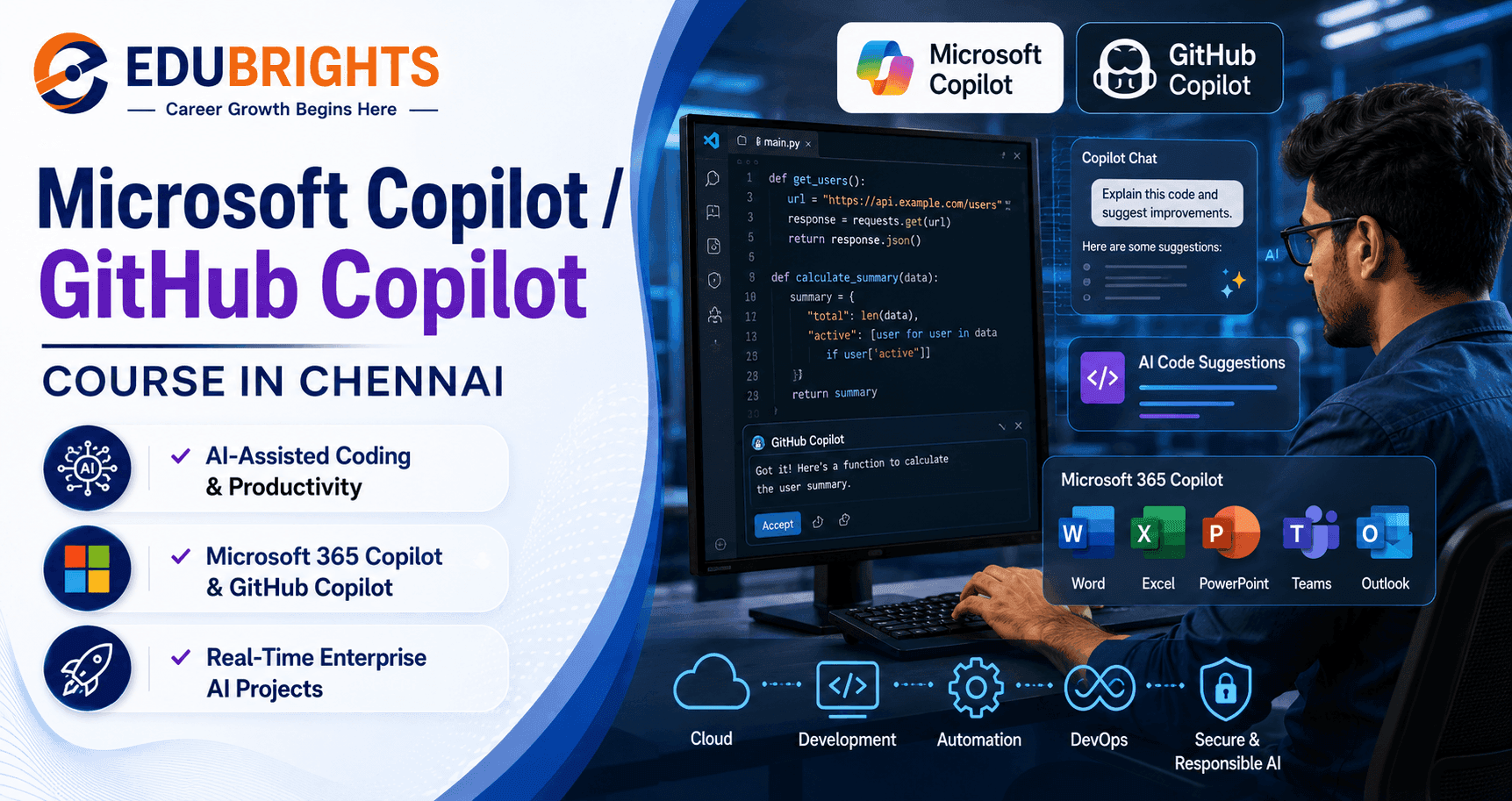
Course Objectives
Q1. Why should I learn Microsoft Copilot and GitHub Copilot?
Microsoft Copilot and GitHub Copilot help developers and professionals complete coding, documentation, testing, and productivity tasks more efficiently using artificial intelligence. Learning these tools enables you to work faster while maintaining high-quality software development practices.
Q2. What practical knowledge will I gain from this course?
You will learn prompt engineering, AI-assisted coding, debugging, documentation, Microsoft 365 Copilot, GitHub Copilot, Visual Studio Code integration, code review, automation, and enterprise AI workflows. Practical projects help you apply these skills to real-world software development scenarios.
Q3. How does this course support my career growth?
AI-assisted development tools are becoming standard across software companies and enterprise IT teams. This course equips you with practical AI productivity skills that support modern software engineering, DevOps, cloud development, and digital transformation initiatives.
Q4. What will I achieve after completing this training?
After completing the course, you will be able to use Microsoft Copilot and GitHub Copilot effectively for software development, business productivity, testing, documentation, and automation. You will also build a portfolio demonstrating practical AI-assisted development projects and enterprise workflows.
Popular Techniques Covered in This Course
Prompt Engineering
GitHub Copilot
Microsoft Copilot
AI Code Generation
Code Refactoring
AI Debugging
Unit Test Automation
Documentation Automation
Microsoft 365 Copilot
AI Productivity Workflows
Get Hands-on Knowledge about Real-Time Projects
Project 1
AI-Powered Employee Leave Management System
Build a complete employee leave management application using GitHub Copilot to accelerate development. Create backend APIs, automate validation logic, generate documentation, and implement approval workflows while using AI-assisted coding throughout the project lifecycle.
Project 2
Enterprise Help Desk Automation Portal
Develop a modern help desk and ticket management portal integrated with Microsoft Copilot for intelligent ticket summaries, automated response suggestions, documentation generation, and workflow automation. This project demonstrates enterprise productivity using Microsoft AI technologies.
Project 3
AI-Assisted REST API Development
Create a production-ready REST API using GitHub Copilot and Visual Studio Code. Generate CRUD operations, authentication modules, validation, API documentation, unit tests, and deployment scripts while following software engineering best practices with AI assistance.
Project 4
Microsoft 365 Productivity Automation Solution
Develop a business productivity solution using Microsoft 365 Copilot to automate document creation, Excel reporting, Outlook email drafting, Teams collaboration, and meeting summaries. This project demonstrates practical enterprise AI implementation across Microsoft 365 applications.
Key Features
Edubrights offers Microsoft Copilot / GitHub Copilot Training in virtual mode with expert trainers. Here are the key features,
40 Hours Course Duration
100% Job Oriented Training
Industry Expert Faculties
Free Demo Class Available
Completed 500+ Batches
Certification Guidance
Curriculum
Module 1: Introduction to AI Coding Assistants
- Artificial Intelligence Fundamentals
- Microsoft Copilot Overview
- GitHub Copilot Overview
- AI in Software Development
- Use Cases & Benefits
- Environment Setup
Module 2: GitHub Copilot Fundamentals
- Installing GitHub Copilot
- Visual Studio Code Integration
- Visual Studio Integration
- AI Code Suggestions
- Smart Code Completion
- Developer Productivity
Module 3: Prompt Engineering
- Prompt Writing Basics
- Effective AI Prompts
- Context Management
- Prompt Optimization
- AI Conversation Techniques
- Best Practices
Module 4: AI-Assisted Coding
- Function Generation
- Class Generation
- API Development
- Algorithm Development
- Refactoring Code
- Code Optimization
Module 5: Debugging & Testing
- AI-Based Debugging
- Error Analysis
- Unit Test Generation
- Test Case Creation
- Code Validation
- Secure Coding Practices
Module 6: Documentation & Code Review
- Code Documentation
- README Generation
- API Documentation
- Code Review Assistance
- Code Explanation
- Technical Documentation
Module 7: Microsoft 365 Copilot
- Word Copilot
- Excel Copilot
- PowerPoint Copilot
- Outlook Copilot
- Teams Copilot
- Business Productivity
Module 8: Enterprise AI Development
- Responsible AI
- Security & Privacy
- Enterprise Governance
- Compliance
- AI Ethics
- Organizational Best Practices
Module 9: DevOps & Automation
- GitHub Integration
- Git Workflows
- CI/CD Support
- Automation Scripts
- Infrastructure Assistance
- Cloud Development
Module 10: Advanced Copilot Features
- Copilot Chat
- Multi-file Development
- AI Pair Programming
- Enterprise Workflows
- Performance Optimization
- Productivity Techniques
Module 11: Real-World AI Development
- Full Stack Development
- REST API Generation
- Cloud Application Development
- Database Integration
- Deployment
- Monitoring
Module 12: Capstone Projects
- AI Code Assistant Project
- Enterprise Business Application
- DevOps Automation Project
- Microsoft 365 Productivity Solution
- Team Collaboration Project
- Final Project Presentation
Receive Training From Our Skilled and Effective Trainers
Experience in the Industry Gain knowledge from experts with practical Generative AI project experience in a variety of sectors.
Backgrounds at the Top Prominent corporations such as hcl, tcs , accenture and cognizant employ trainers.
Clear & Effective Teaching Excellent communication and real-world examples simplify complex subjects.
Hands-On Learning Focus Students can apply their abilities in real-world situations with the use of case studies and real-time projects.
Up-to-Date Knowledge Trainers stay current with the latest tools, techniques and best practices.
About Our Course Certification*
The Microsoft Copilot / GitHub Copilot Course in Chennai is designed to help learners master AI-powered productivity and software development using Microsoft's latest Copilot technologies. This course provides practical training in GitHub Copilot, Microsoft Copilot, Microsoft 365 Copilot, Copilot Chat, prompt engineering, AI-assisted coding, debugging, documentation, code review, test generation, Visual Studio Code integration, and enterprise AI workflows through real-world projects.

Course FAQs
1. What is Microsoft Copilot and GitHub Copilot?
Microsoft Copilot and GitHub Copilot are AI-powered productivity and coding assistants that help users generate code, automate repetitive tasks, create documentation, debug applications, and improve software development workflows. They integrate with Microsoft 365 applications and popular development environments such as Visual Studio Code and Visual Studio.
2. Who can enroll in the Microsoft Copilot / GitHub Copilot Course?
This course is ideal for students, fresh graduates, software developers, QA engineers, DevOps professionals, cloud engineers, business analysts, Microsoft 365 users, IT professionals, and working professionals who want to improve productivity using AI-powered development and automation tools. Basic computer knowledge is sufficient to begin learning.
3. Are there any prerequisites for learning Microsoft Copilot and GitHub Copilot?
No advanced programming experience is required. Basic knowledge of programming concepts, Git, or Microsoft Office applications is helpful but not mandatory. The course begins with AI fundamentals before progressing to prompt engineering, AI-assisted coding, automation, debugging, and enterprise workflows.
4. How long does it take to complete Microsoft Copilot / GitHub Copilot training?
The duration depends on the selected learning format. Most learners complete the course over several weeks through instructor-led sessions, practical exercises, AI-powered development projects, assignments, and real-world business scenarios that strengthen both theoretical understanding and practical implementation.
5. Does this course include practical hands-on projects?
Yes. The course focuses on practical learning through real-world projects such as AI-assisted software development, enterprise documentation automation, DevOps workflow automation, Microsoft 365 productivity solutions, intelligent code generation, and collaborative software development using GitHub Copilot and Microsoft Copilot.
6. Which Microsoft AI technologies and tools will I learn?
You will gain hands-on experience with GitHub Copilot, Microsoft Copilot, Microsoft 365 Copilot, Copilot Chat, Visual Studio Code, Visual Studio, GitHub, Git, prompt engineering, AI-assisted debugging, code generation, documentation automation, PowerShell scripting, and enterprise AI productivity tools.
7. What job roles can I pursue after completing this course?
After completing the training, learners can explore opportunities as Software Developer, AI-Assisted Developer, Full Stack Developer, Backend Developer, DevOps Engineer, Cloud Engineer, Microsoft 365 Consultant, Automation Engineer, Technical Consultant, QA Automation Engineer, and Productivity Solutions Specialist.
8. Is Microsoft Copilot and GitHub Copilot in demand?
Yes. Organizations worldwide are adopting AI-powered productivity tools to improve software development speed, reduce repetitive tasks, enhance collaboration, and increase operational efficiency. Professionals who understand AI-assisted development workflows are becoming valuable across software engineering and enterprise IT teams.
9. Is this course suitable for beginners?
Yes. The course follows a structured learning path starting with AI fundamentals and gradually introducing prompt engineering, GitHub Copilot, Microsoft Copilot, AI-assisted coding, documentation, testing, automation, and enterprise development practices through guided practical exercises.
10. Why choose Microsoft Copilot / GitHub Copilot Training in Chennai?
Chennai is home to numerous IT companies, global capability centers, software development firms, and Microsoft technology partners adopting AI-powered development tools. This training provides practical experience with industry-standard technologies and real-world projects that prepare learners for modern AI-assisted software development environments.
Get Training Quote for Free
Testimonials
Hear What Our Students Say
"Transform your life through Education, hear it from our Alumni"

6 LPA
Fathima
Student
Software Engineer
"Transform your life through Education, hear it from our Alumni"

8 LPA
Rahul
Student
Data Scientist
"Transform your life through Education, hear it from our Alumni"

8 LPA
Siddharth
NIELSON IQ
Data Analyst