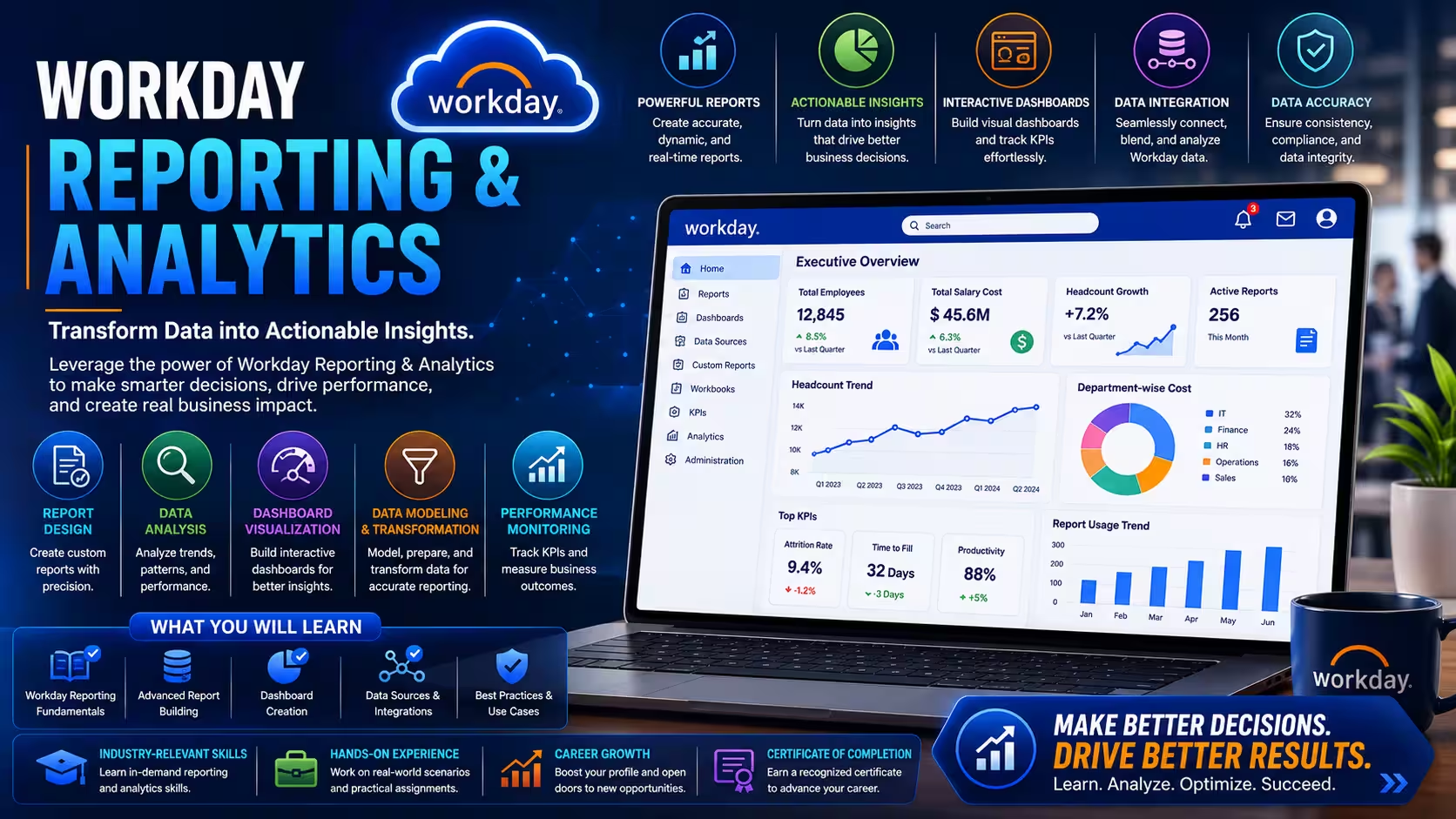
Course Objectives
1. What is Workday Reporting & Analytics and why is it important?
Learn how organizations use Workday to analyze HR and business data for decision-making.
2. Why do enterprises depend on reporting systems like Workday?
Understand how reporting helps improve workforce planning, compliance, and business performance.
3. Which types of reports can be created in Workday?
Learn standard reports, advanced reports, dashboards, and composite reporting techniques.
4. How does Workday support data-driven decision-making?
Understand how dashboards and analytics help managers track workforce insights in real time.
Popular Techniques Covered in This Course
Standard Report Creation
Advanced Report Development
Calculated Fields Configuration
Custom Data Sources
Workforce Analytics
HR Reporting Metrics
Business Intelligence Concepts
Data Filtering Techniques
Workday Prism Analytics Basics
Dashboard Creation
Get Hands-on Knowledge about Real-Time Projects
Project 1
1 Workforce Analytics Dashboard Project
Build dashboards to analyze employee data and workforce trends. Create HR dashboards Track employee distribution Monitor workforce growth Analyze HR KPIs
Project 2
2 Payroll Reporting Analysis Project
Generate reports to analyze payroll and compensation data. Create payroll summary reports Track salary trends Analyze deductions Build compliance reports
Project 3
3 Recruiting Performance Analytics Project
Measure hiring performance using reporting tools. Track hiring conversion rates Analyze candidate pipelines Build recruiting dashboards Monitor job fill rates
Project 4
4 Compliance Reporting System
Build reports for audit and regulatory compliance. Generate compliance reports Track workforce records Validate HR data Support audit requirements
Project 5
5 Executive HR Dashboard Project
Create high-level dashboards for leadership decision-making. Build executive dashboards Track organizational KPIs Analyze workforce metrics Present strategic insights
Key Features
Edubrights offers WORKDAY REPORTING & ANALYTICS Training in virtual mode with expert trainers. Here are the key features,
40 Hours Course Duration
100% Job Oriented Training
Industry Expert Faculties
Free Demo Class Available
Completed 500+ Batches
Certification Guidance
Curriculum
Module 1: Introduction to Workday Reporting
- Overview of Workday reporting framework and report types
- Understanding standard, custom, and composite reports
- Navigating the Workday report writer interface
- Understanding reporting data sources and business objects
Module 2: Custom Report Building Fundamentals
- Creating basic custom reports using the Workday report writer
- Configuring report fields, filters, and sort options
- Managing report prompts and runtime parameters
- Setting up report sharing and access configuration
Module 3: Advanced Custom Report Configuration
- Building advanced custom reports with related business objects
- Configuring sub-filters and complex filter logic
- Managing calculated fields and custom expressions
- Designing matrix and summary report layouts
Module 4: Composite Report Development
- Introduction to composite reports in Workday
- Combining multiple data sources in a single composite report
- Configuring composite report layouts and sections
- Managing data relationships in composite reports
Module 5: Report as a Service (RaaS)
- Introduction to Workday Report as a Service
- Configuring RaaS endpoints for integration consumption
- Managing RaaS authentication and access security
- Using RaaS outputs in integration and external applications
Module 6: Dashboard and Worklet Configuration
- Building Workday dashboards and worklets
- Configuring chart and graph visualizations in dashboards
- Managing dashboard layout and widget arrangement
- Setting up role-based dashboard access and sharing
Module 7: Workday Prism Analytics Integration
- Connecting custom reports to Workday Prism datasets
- Configuring Prism-enhanced composite reports
- Managing data blending between Workday and external sources
- Designing analytics-ready report structures for Prism
Module 8: Scheduled Reporting and Delivery
- Configuring scheduled report runs and delivery settings
- Managing report output formats: PDF, Excel, and CSV
- Setting up report subscription and distribution lists
- Automating report delivery for operational stakeholders
Module 9: People Analytics and Workforce Reporting
- Building headcount, turnover, and diversity reports
- Configuring compensation and pay equity analytics reports
- Managing talent and performance reporting dashboards
- Designing workforce planning and pipeline analytics
Module 10: Reporting Security and Governance
- Configuring report security and domain access policies
- Managing report sharing and public report governance
- Auditing report usage and access activity
- Reporting best practices and governance standards
Receive Training From Our Skilled and Effective Trainers
Experience in the Industry Learn from certified WORKDAY REPORTING & ANALYTICS professionals with hands-on industry experience.
Backgrounds at the Top Our trainers hold relevant certifications and have worked on real-world implementations.
Clear & Effective Teaching All core concepts of WORKDAY REPORTING & ANALYTICS are explained with practical examples.
Hands-On Learning Focus Students gain practical experience through structured labs and projects.
Up-to-Date Knowledge Trainers keep content current with the latest platform releases and best practices.
Succeed Our Resourceful Certification
Our institution offers a recognized WORKDAY REPORTING & ANALYTICS certification that validates your ability to design and prototype professional user interfaces efficiently. This certification enhances your design portfolio and prepares you for collaborative projects in real-world environments. Gain practical skills through hands-on training and assessments.

Course FAQs
1. What is Workday Reporting used for?
It is used to analyze HR and business data for decision-making.
2. Who should learn Workday Reporting & Analytics?
HR analysts, Workday consultants, and data professionals.
3. Is coding required for Workday Reporting?
No coding is required, but logical thinking is important.
4. What are calculated fields in Workday?
They are used to manipulate and derive custom data in reports.
5. What is a Workday dashboard?
It is a visual representation of HR or business data.
6. Can Workday integrate with BI tools?
Yes, it can integrate with external analytics platforms.
7. What industries use Workday reporting?
IT, banking, healthcare, retail, and enterprise organizations.
8. What is Prism Analytics?
It is Workday’s advanced analytics tool for complex data analysis.
9. Is Workday Reporting in demand?
Yes, reporting and analytics skills are highly valued.
10. What roles can I get after this course?
Reporting Analyst, Workday Consultant, HRIS Analyst roles.
11. Does this course include practical projects?
Yes, real-time dashboard and reporting projects are included.
12. Is Workday Reporting part of HCM?
Yes, it is a core functional area within Workday HCM.
Get Training Quote for Free
Testimonials
Hear What Our Students Say
"Transform your life through Education, hear it from our Alumni"

8 LPA
Rahul
Student
Data Scientist
"Transform your life through Education, hear it from our Alumni"

8 LPA
Siddharth
NIELSON IQ
Data Analyst
"Transform your life through Education, hear it from our Alumni"

6 LPA
Fathima
Student
Software Engineer