Course Objectives
1. What exactly Windows Systems Administration training cover?
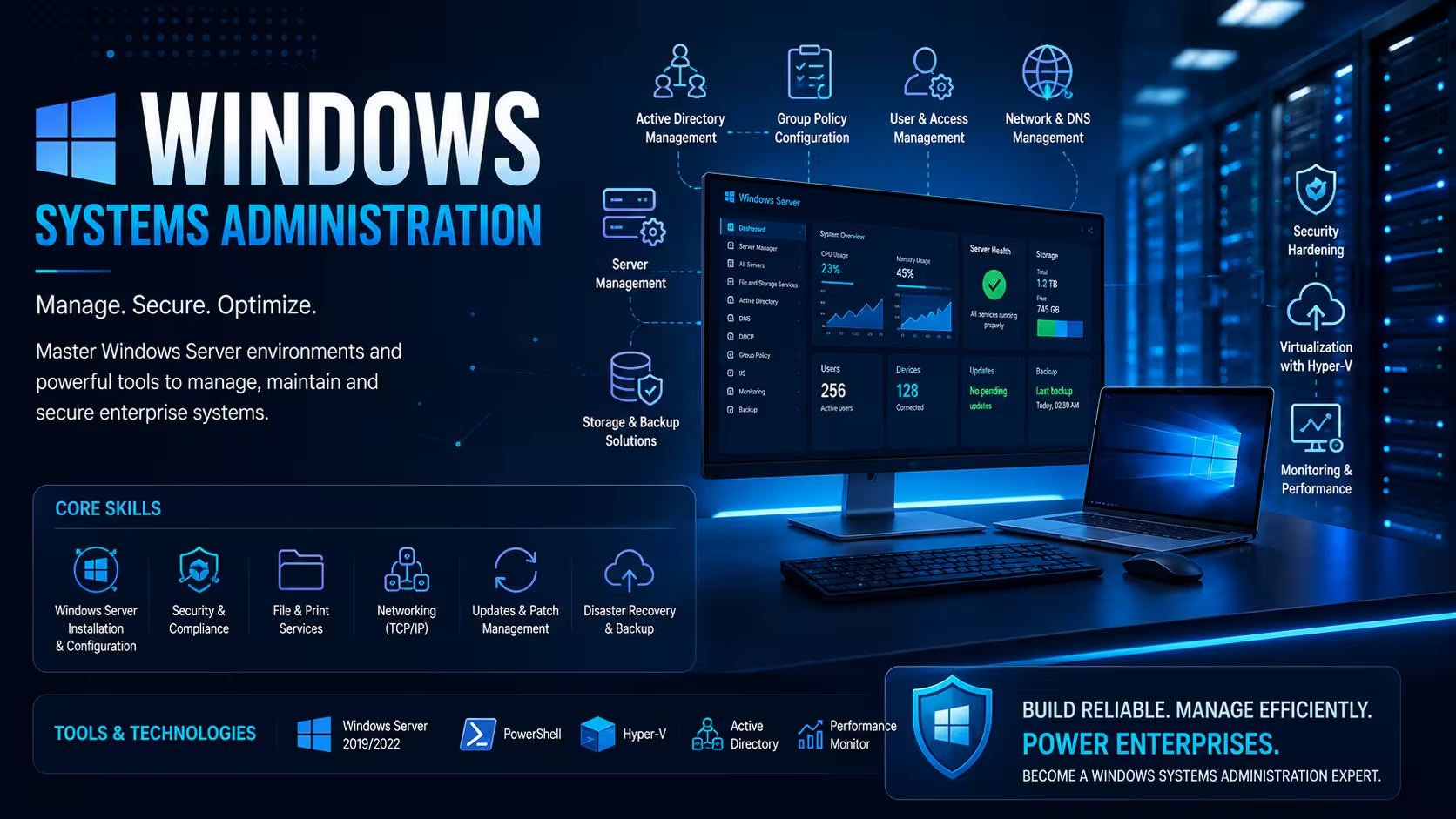
Windows Systems Administration training equips you with skills to install, configure, and manage Windows Server and client environments. It covers user and group management, Active Directory, file systems, networking, security, and automation with PowerShell. You’ll learn how to maintain and troubleshoot Windows infrastructure for business needs.
2. What are the main objectives of the Windows Systems Administration course for your development skills?
The course aims to build your expertise in deploying and maintaining Windows servers reliably. Objectives include mastering Active Directory, configuring networking and security, automating tasks with scripting, and troubleshooting system issues. It prepares you for real-world IT infrastructure management and support tasks effectively.
3. How do you ensure system reliability and uptime?
You will implement backup strategies, monitor system performance, and troubleshoot common server issues to minimize downtime.
4. How do you apply security and compliance policies?
You will configure Group Policy, firewall settings, and security baselines to protect Windows infrastructure from threats.
Popular Techniques Covered in This Course
1.Active Directory management
2.Group Policy configuration
3.PowerShell scripting
4.Windows Server installation and roles
5.Network services (DNS, DHCP)
6.Security policies and firewall
7.Backup and recovery
8.Remote desktop services
9.Hyper-V virtualization
10.Windows Update Services (WSUS)
Get Hands-on Knowledge about Real-Time Projects
Project 1
Project 1: Windows Domain Controller Setup
Build and configure a complete Active Directory domain for a mid-sized company, including user management, OU structure, and basic Group Policy.
Project 2
Project 2: Enterprise File Server Implementation
Set up a secure file server with shared folders, quota management, and access control for different departments in a corporate environment.
Project 3
Project 3: Server Monitoring and Maintenance System
Create a monitoring solution for multiple Windows servers, track performance metrics, and generate automated health reports.
Project 4
Project 4: Group Policy and Security Hardening
Apply security policies across the organization, configure firewall rules, and ensure compliance with standard security benchmarks.
Project 5
Project 5: Hyper-V Virtualization Environment
Design and deploy virtual machines using Hyper-V for testing, development, and production workloads in an enterprise setup.
Key Features
Edubrights offers Windows Systems Administration Training in virtual mode with expert trainers. Here are the key features.
40 Hours Course Duration
100% Job Oriented Training
Industry Expert Faculties
Free Demo Class Available
Completed 500+ Batches
Certification Guidance
Curriculum
Module 1: Introduction to Windows Systems Administration
- Role of Windows Systems Administrator
- Windows Server editions and features overview
- Administrative tools and interfaces
Module 2: Windows Server Installation and Configuration
- Installing Windows Server (Core vs Desktop Experience)
- Server roles and features activation
- Post-installation updates and servicing
Module 3: Active Directory Domain Services
- AD structure and components
- Deploying domain controllers
- Managing organizational units (OUs)
Module 4: User and Group Management
- Creating and managing users, groups, and computers
- Security groups and distribution groups
- Delegation of administrative privileges
Module 5: Group Policy Management
- Creating and linking Group Policy Objects (GPOs)
- Policy enforcement and troubleshooting
- Security policy configurations
Module 6: Networking Fundamentals
- IP addressing, subnetting, and routing basics
- DNS server installation and zone management
- DHCP server setup and scope configuration
Module 7: File and Storage Services
- File server roles and shared folders
- NTFS permissions and share permissions
- Disk management, volumes, and storage pools
Module 8: PowerShell Scripting and Automation
- PowerShell fundamentals and cmdlets
- Automating administrative tasks
- Remote PowerShell execution
Module 9: Windows Security and Hardening
- Firewall configuration (Windows Defender Firewall)
- Credential Guard and LAPS implementation
- Account policies and auditing
Module 10: Print and Document Services
- Print server deployment
- Managing print queues and drivers
- Print permissions and sharing
Module 11: Remote Desktop Services
- RDS role installation and configuration
- Session management and remote apps
- Licensing and security
Module 12: Monitoring and Performance Tuning
- Event Viewer and performance counters
- Resource Monitor and diagnostics
- Task Manager advanced usage
Module 13: Windows Update and Patch Management
- WSUS server deployment
- Update approvals and deployment
- Compliance reporting
Module 14: Backup and Disaster Recovery
- Windows Server Backup configuration
- System state and bare-metal recovery
- Disaster recovery planning
Module 15: Hyper-V Virtualization Hyper-V role installation Creating and managing virtual machines Virtual switches and networking
Module 16: Troubleshooting Windows Systems Boot options and recovery environments Diagnostic tools and logs analysis Common server issue resolution
Receive Training From Our Skilled and Effective Trainers
Experience in the Industry Gain knowledge from experts with practical Windows Systems Administration project experience in a variety of sectors.
Backgrounds at the Top Prominent corporations such as HCL, TCS, Accenture and Cognizant employ trainers.
Clear & Effective Teaching Excellent communication and real-world examples simplify complex subjects.
Hands-On Learning Focus Students can apply their abilities in real-world situations with the use of case studies and real-time projects.
Up-to-Date Knowledge Trainers stay current with the latest tools, techniques and best practices.
Succeed Our Resourceful Certification
Our institution provides a certified Windows Systems Administration course that combines hands-on labs and theoretical knowledge. The certification validates your skills in managing Windows environments professionally. Gain industry-recognized credentials to boost your IT career potential.

Course FAQs
1. What is Active Directory?
A directory service for managing users, computers, and resources in a Windows domain.
2. What is Group Policy?
A feature for centralized management and configuration of operating systems, applications, and users.
3. Do I need PowerShell knowledge?
Yes, it is essential for automating tasks and advanced administration.
4. What networking concepts will I learn?
IP addressing, DNS, DHCP, and network security configurations.
5. Can Windows Admins work with cloud platforms?
Yes, integration with Azure and hybrid setups is common.
6. How is backup handled?
Using Windows Server Backup and disaster recovery tools.
7. What job roles are available after certification?
System Administrator, Network Administrator, and more.
8. Is remote management included?
Yes, using Remote Desktop and remote PowerShell.
9. How long is the course?
Typically three to six months.
10. What troubleshooting skills are taught?
Diagnosing hardware, software, and network issues.
11. Is this course suitable for freshers?
Yes. We start with basics and progress to advanced administration tasks step by step.
12. Do you cover Active Directory and Group Policy?
Yes. These are core topics with extensive hands-on practice.
Get Training Quote for Free
Testimonials
Hear What Our Students Say
"Transform your life through Education, hear it from our Alumni"

6 LPA
Fathima
Student
Software Engineer
"Transform your life through Education, hear it from our Alumni"

8 LPA
Rahul
Student
Data Scientist
"Transform your life through Education, hear it from our Alumni"

8 LPA
Siddharth
NIELSON IQ
Data Analyst