Course Objectives
1. What will you learn in the Material UI (MUI) course?
You will learn how to build modern, responsive, and professional React applications using Material UI (MUI). The course covers MUI fundamentals, Material Design principles, React component integration, layouts, themes, styling, forms, navigation, data tables, icons, responsive design, and advanced UI customization.
2. How does this course prepare you for real-world frontend development projects?
The course provides hands-on experience in building responsive dashboards, enterprise web applications, admin panels, e-commerce interfaces, and business portals using Material UI components and React best practices.
3. What practical skills will you develop during the training?
You will gain expertise in Material Design, React integration, MUI components, Grid and Flexbox layouts, theming, responsive design, custom styling, forms, navigation, data visualization, accessibility, and UI optimization.
4. How will real-time projects improve your Material UI skills?
You will work on practical projects involving admin dashboards, e-commerce websites, CRM systems, analytics portals, responsive business applications, and modern web interfaces using React and Material UI.
5. What career opportunities can you pursue after learning Material UI?
This course prepares you for roles such as Frontend Developer, React Developer, UI Developer, Web Application Developer, JavaScript Developer, Full Stack Developer, UI Engineer, Software Engineer, React UI Developer, and Web Designer.
Popular Techniques Covered in This Course
1.Proficiency in HTML, CSS, and JavaScript
2.Strong knowledge of React.js
3.Expertise with Material UI core components
4.Understanding of responsive design and layout using Grid system
5.Theming and customization with createTheme and CSS-in-JS
6.Experience with React hooks for state and lifecycle management
7.Familiarity with JavaScript build tools (Webpack, Babel)
8.Accessibility best practices in UI development
9.Debugging and performance optimization skills
10.Integration of Material UI with routing and state management libraries
11.Good communication and collaboration abilities
12.Soft Skill
Get Hands-on Knowledge about Real-Time Projects
Project 1
Project 1: Admin Dashboard Application
Develop a responsive admin dashboard with charts, data tables, authentication pages, navigation menus, and user management using React and Material UI.
Project 2
Project 2: E-Commerce Frontend
Build a professional online shopping interface featuring product listings, shopping carts, responsive layouts, filters, and checkout pages.
Project 3
Project 3: CRM Management Portal
Create a customer relationship management application with dashboards, forms, reports, notifications, and responsive navigation.
Project 4
Project 4: Business Analytics Dashboard
Design an analytics platform using Material UI cards, charts, tables, filters, and interactive visualizations for business reporting.
Project 5
Project 5: Enterprise Employee Management System
Develop a responsive employee management portal with user profiles, attendance tracking, reports, forms, and role-based dashboards.
Key Features
Edubrights offers Material UI Training in virtual mode with expert trainers. Here are the key features,
40 Hours Course Duration
100% Job Oriented Training
Industry Expert Faculties
Free Demo Class Available
Completed 500+ Batches
Certification Guidance
Curriculum
Module 1: Introduction to Material UI and Setup
- Overview of Material UI and its benefits in React development
- Installing and configuring MUI in React projects
- Understanding Material Design principles
- Setting up themes and global styles
Module 2: Core Components and Layouts
- Using basic components: Buttons, Typography, Icons
- Working with Cards, Lists, and Avatars
- Implementing responsive layouts with the Grid system
- Containers and Box components for structure
Module 3: Advanced Components and Interactions
- Navigation components: AppBar, Drawer, Tabs, and Menus
- Form controls: TextField, Select, Checkbox, Radio buttons
- Feedback components: Snackbar, Alerts, Progress indicators
- Dialogs, Modals, and Popovers for user interaction
Module 4: Theming and Customization
- Creating and applying custom themes with createTheme
- Overriding default styles and component variants
- Dark mode and responsive typography
- Using CSS-in-JS and styled components for advanced styling
Module 5: State Management and Integration
- Managing component state and props with React hooks
- Integrating MUI with React Router and other libraries
- Accessibility best practices in Material UI
- Performance optimization techniques
Module 6: Project and Practical Application
- Building a fully responsive, themed application using MUI components
- Applying customization and theming in real-world scenarios
- Testing and debugging Material UI applications
- Final project presentation and assessment
Receive Training From Our Skilled and Effective Trainers
Experience in the Industry Gain knowledge from experts with practical Material UI project experience in a variety of sectors.
Backgrounds at the Top Prominent corporations such as HCL, TCS, Accenture, and Cognizant employed trainers.
Clear & Effective Teaching Excellent communication and real-world examples simplify complex subjects.
Hands-On Learning Focus Students can apply their abilities in real-world situations with the use of case studies and real-time projects.
Up-to-Date Knowledge Trainers stay current with the latest tools, techniques and best practices.
Succeed Our Resourceful Certification
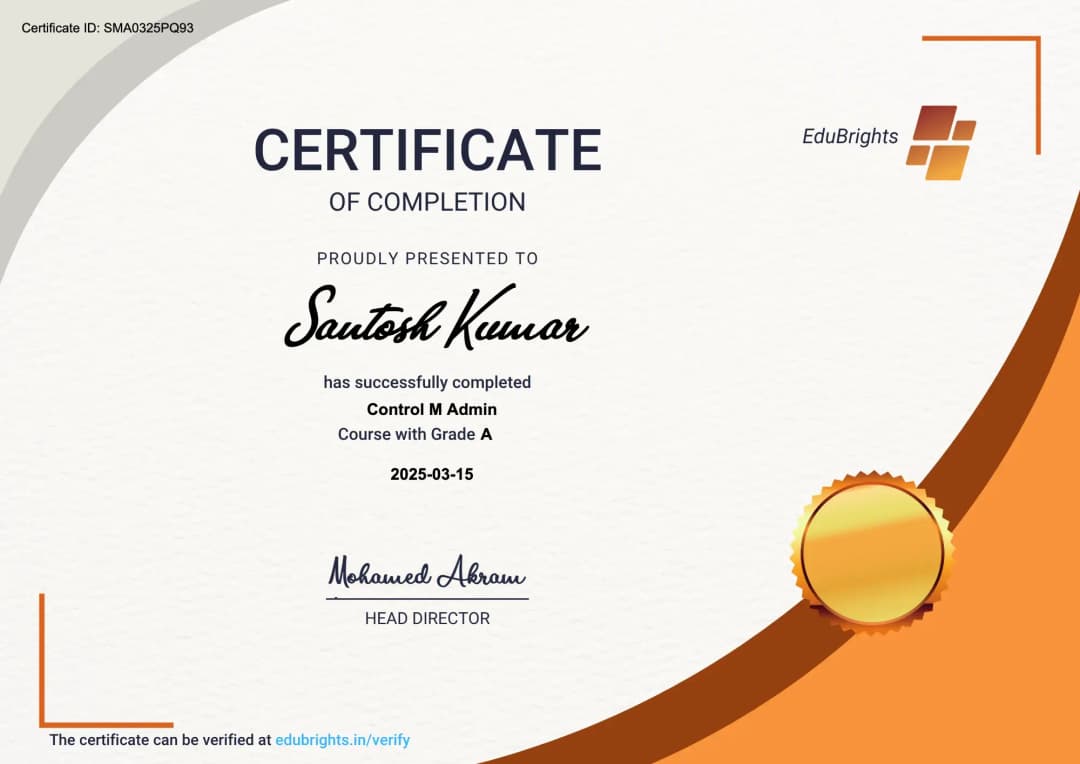
Our Material UI (MUI) certification program validates your expertise in building modern, responsive web applications using the Material UI React component library. The certification covers core components, theming, customization, and hands-on project work to ensure practical skills. Earning this certification demonstrates your ability to create professional-grade user interfaces and enhances your credibility as a front-end developer.
Course FAQs
1. What is Material UI (MUI)?
Material UI is a popular React component library that implements Google’s Material Design guidelines, providing pre-built, customizable, and responsive UI components for building modern web applications
2. How do I integrate Material UI into a React project?
You install the MUI library via npm or yarn, configure a theme, and import components like AppBar, Button, and Typography. Custom styles can be created using makeStyles, and the Grid system helps build responsive layouts.
3. What are the benefits of using Material UI?
MUI offers consistent design, reduces development time with ready-to-use components, improves user experience with responsive and accessible elements, and allows extensive customization to fit project needs
4. What is the Grid component and how does it work?
The Grid component is a 12-column layout system that helps create flexible, responsive designs by specifying column widths for different screen sizes using props like xs, sm, md, etc..
5. Is Material UI responsive?
Yes, MUI components are inherently responsive. Developers can control layout behavior using the Grid system, breakpoints, and media queries to ensure optimal display across devices
6. Can Material UI be customized?
Absolutely. You can customize themes using createTheme, override default styles, create dark mode themes, and use CSS-in-JS or styled components for advanced styling.
7. Does Material UI support accessibility?
MUI follows accessibility best practices, including semantic HTML, ARIA roles, keyboard navigation, and focus management to enhance usability for all users.
8. What styling approach does Material UI use?
Material UI primarily uses a CSS-in-JS approach with JSS but also supports other styling methods like plain CSS, CSS modules, and styled components.
9. Is Material UI suitable for large projects?
Yes, MUI is well-suited for large-scale applications due to its consistent design language, comprehensive component library, and strong community support
10. How can I optimize performance when using Material UI?
Use React’s memoization techniques like React.memo and PureComponent to reduce unnecessary renders, organize components efficiently, and apply lazy loading to improve load times
Get Training Quote for Free
Testimonials
Hear What Our Students Say
"Transform your life through Education, hear it from our Alumni"

6 LPA
Fathima
Student
Software Engineer
"Transform your life through Education, hear it from our Alumni"

8 LPA
Rahul
Student
Data Scientist
"Transform your life through Education, hear it from our Alumni"

8 LPA
Siddharth
NIELSON IQ
Data Analyst