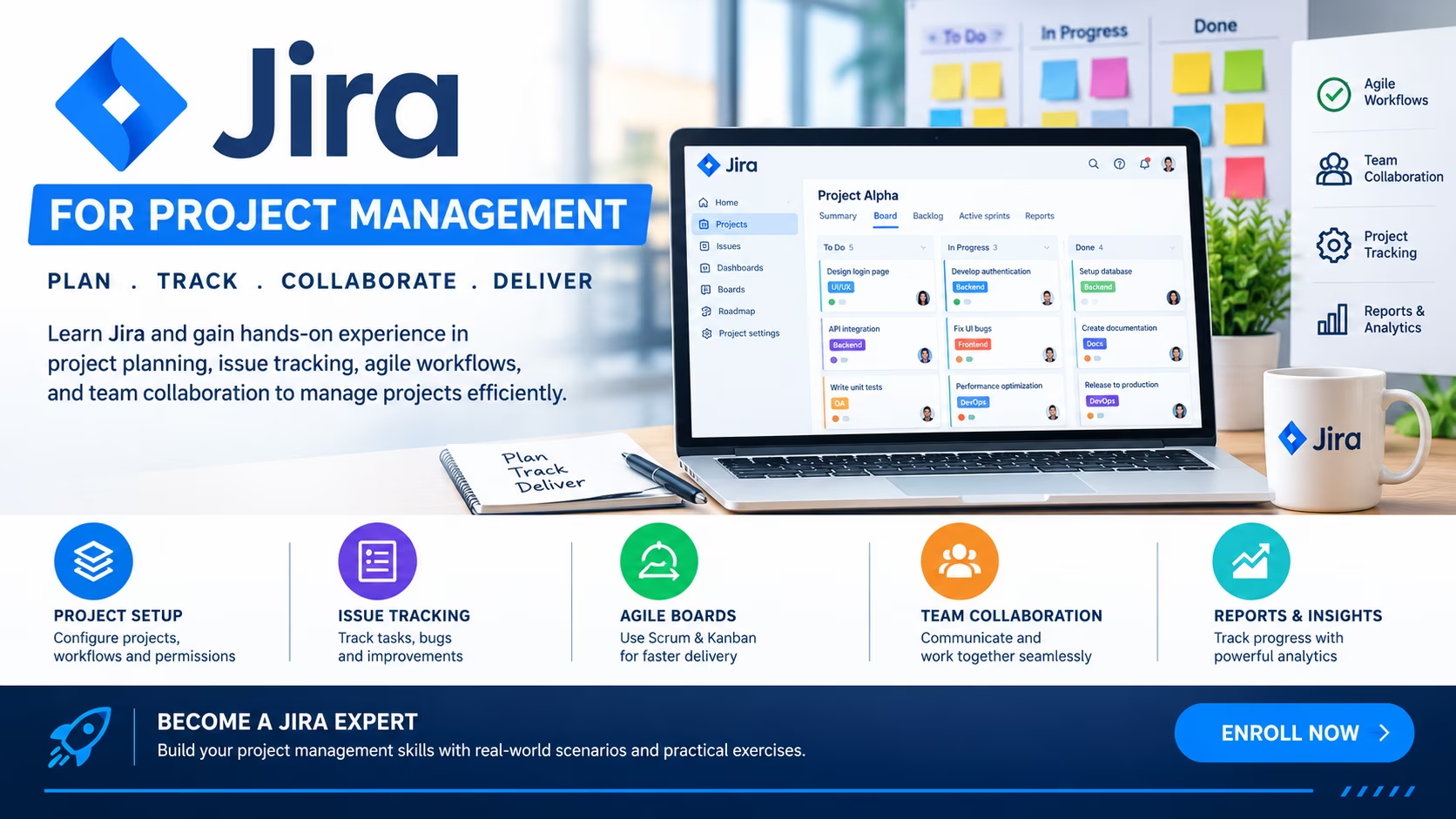
Course Objectives
1. What will you learn in the Jira for Project Management course?
You will learn how to use Jira for planning, tracking, managing, and delivering projects efficiently. The course covers Jira fundamentals, Agile project management, Scrum and Kanban boards, issue tracking, sprint planning, workflows, dashboards, reports, automation, permissions, and project administration for software and business teams.
2. How does this course prepare you for real-world project management?
The course provides hands-on experience in managing Agile projects, creating user stories, planning sprints, tracking project progress, assigning tasks, generating reports, configuring workflows, and collaborating with cross-functional teams using Jira.
3. What practical skills will you develop during the training?
You will gain expertise in Jira project setup, Scrum and Kanban boards, issue lifecycle management, backlog management, sprint planning, workflow customization, dashboards, reporting, Jira automation, user management, and Agile project tracking.
4. How will real-time projects improve your Jira skills?
You will work on practical projects involving software development planning, Agile sprint management, bug tracking, project reporting, workflow automation, and team collaboration using Jira.
5. What career opportunities can you pursue after learning Jira for Project Management?
This course prepares you for roles such as Project Coordinator, Project Manager, Scrum Master, Agile Project Manager, PMO Analyst, Business Analyst, Jira Administrator, Agile Coach, Product Owner, and Delivery Manager.
Popular Techniques Covered in This Course
1. Jira Project Setup
2. Agile Project Management
3. Sprint Planning
4. Backlog Management
5. Workflow Configuration
6. Issue Tracking
7. Dashboard Creation
8. Team Collaboration
9. Reporting and Analytics
10. Jira Administration Basics
Get Hands-on Knowledge about Real-Time Projects
Project 1
1. Agile Software Development Project
Description: Set up a Scrum-based Jira project to manage software development tasks, sprints, user stories, and release planning.
Project 2
2. Marketing Campaign Management System
Description: Create a Jira project to plan, track, and manage digital marketing campaigns and team activities.
Project 3
3. IT Service Request Tracking Project
Description: Develop a workflow for managing IT support requests, issue resolution, and service tracking using Jira.
Project 4
4. Product Development Lifecycle Management
Description: Build a project management framework to track product requirements, development progress, testing, and releases.
Project 5
5. Team Performance Reporting Dashboard
Description: Create dashboards and reports to monitor sprint progress, team productivity, issue status, and project health.
Key Features
Edubrights offers Jira for Project Management Training in virtual mode with expert trainers. Here are the key features,
40 Hours Course Duration
100% Job Oriented Training
Industry Expert Faculties
Free Demo Class Available
Completed 500+ Batches
Certification Guidance
Curriculum
Module 1: Introduction to Jira
- What is Jira and Jira's product family: Jira Software, Jira Service Management, Jira Work Management
- Jira Cloud vs Jira Data Center: deployment and feature differences
- Navigating the Jira interface: projects, boards, backlogs, and reports
- Understanding Jira's core concepts: issues, projects, workflows, and schemes
- Jira terminology: epics, stories, tasks, subtasks, and bugs
- Setting up a Jira account and project for the first time
Module 2: Project Types & Configuration
- Scrum project: backlog, sprints, and velocity
- Kanban project: continuous flow and WIP limits
- Business project (Jira Work Management) for non-technical teams
- Configuring project settings: issue types, statuses, and workflows
- Screens and field configurations
- Project roles and permissions overview
Module 3: Issues, Epics & Backlog Management
- Creating issues: summary, description, priority, assignee, labels
- Issue hierarchy: initiative → epic → story → task → subtask
- Epic management and linking stories to epics
- Backlog management: adding, estimating, and prioritising issues
- Story points and time estimation in Jira
- Bulk editing and issue cloning
Module 4: Scrum Boards & Sprint Management
- Creating and configuring Scrum boards in Jira
- Sprint planning: selecting stories from the backlog
- Running sprints: daily stand-up tracking with the Jira board
- Completing sprints: handling incomplete stories
- Sprint velocity and capacity planning
- Backlog grooming best practices
Module 5: Kanban Boards & Flow Management
- Creating Kanban boards and configuring columns
- WIP limits: enforcing flow discipline in Jira
- Swimlanes for team or priority-based organisation
- Cycle time and lead time analysis
- Cumulative Flow Diagrams (CFD) in Jira
- When to choose Kanban over Scrum
Module 6: Jira Workflows & Automation
- Understanding and editing Jira workflows (statuses, transitions, conditions)
- Creating custom workflow transitions and validators
- Jira Automation: trigger-rule-action framework
- Common automation recipes: auto-assign, auto-transition, notifications
- Scheduled automation for reporting and reminders
- Automation for cross-project updates and dependencies
Module 7: Reporting & Dashboards
- Jira built-in reports: burndown, velocity, sprint, cumulative flow
- Creating custom Jira dashboards with gadgets
- Filters: JQL (Jira Query Language) basics and advanced queries
- Sharing dashboards and filters with teams
- Jira plans (Advanced Roadmaps): programme-level timeline
- Exporting Jira data to Excel and integration with Power BI
Module 8: Integrations, Admin & Best Practices
- Integrating Jira with Confluence for documentation
- Jira + Slack and Microsoft Teams integrations
- Jira + GitHub/Bitbucket for development team traceability
- Jira project administration: schemes, components, and versions
- User management and global admin settings
- Best practices for Jira project structure and hygiene
Receive Training From Our Skilled and Effective Trainers
Atlassian Certified Jira Administrators & Agile Coaches Our Jira instructors are Atlassian Certified Professionals (ACP) with hands-on experience administering Jira for engineering, product, and business teams in companies ranging from agile startups to global enterprises with thousands of Jira users.
Scrum Masters & Agile Practitioners Many of our trainers are certified Scrum Masters (CSM/PSM) and SAFe practitioners who use Jira daily as their primary tool for sprint planning, backlog management, and agile reporting. They bring genuine agile methodology alongside platform expertise.
JQL & Advanced Configuration Specialists Instructors are proficient in Jira Query Language (JQL) and advanced workflow configuration, helping learners move beyond basic Jira usage to build powerful custom dashboards, automated workflows, and programme-level roadmaps.
Business Team & Non-Technical Jira Use Not all Jira users are software developers. Our instructors have extensive experience training marketing, HR, legal, and finance teams to use Jira Work Management for business project tracking — making this course relevant across the entire organisation.
Real Project Case Studies Every module uses real-world Jira configurations based on actual client implementations, including SaaS product development, IT service management, and marketing campaign tracking.
Certified Jira Project Management Professional
Our institution offers a recognized Jira for Project Management certification. This certification enhances your portfolio and prepares you for collaborative projects in real-world environments. Gain practical skills through hands-on training and assessments.

Course FAQs
1. What is Jira?
Jira is a project management and issue-tracking platform widely used for Agile software development and business project management.
2. Who should take this course?
Project Managers, Scrum Masters, Team Leaders, Business Analysts, Developers, and students interested in project management.
3. What will I learn in this course?
You will learn Jira project setup, Agile methodologies, sprint planning, issue tracking, workflows, and reporting.
4. Do I need project management experience?
No. This course is suitable for beginners as well as experienced professionals.
5. What is Agile Project Management?
Agile is a project management approach focused on iterative development, collaboration, and continuous improvement.
6. What is Scrum in Jira?
Scrum is an Agile framework that uses sprints, backlogs, and team collaboration to deliver projects efficiently.
7. What is a Kanban board?
A Kanban board visually tracks tasks through different stages of completion.
8. Can Jira be used outside software development?
Yes. Jira is widely used in marketing, HR, operations, finance, and many other business functions.
9. What are Jira dashboards?
Dashboards provide visual insights into project progress, team performance, and key metrics.
10. Does this course include hands-on practice?
Yes. Learners work on real-world projects and practical Jira exercises.
11. What industries use Jira?
Technology, finance, healthcare, manufacturing, education, retail, and consulting industries.
12. What job roles benefit from Jira skills?
Project Manager, Scrum Master, Agile Coach, Business Analyst, Product Owner, and Team Lead.
13. Is Jira a high-demand skill?
Yes. Jira is one of the most widely used project management tools globally.
14. Can beginners learn Jira easily?
Yes. Jira has a user-friendly interface and is suitable for learners at all levels.
15. Does Jira support remote team management?
Yes. Jira helps distributed teams collaborate, track work, and manage projects effectively.
Get Training Quote for Free
Testimonials
Hear What Our Students Say
"Transform your life through Education, hear it from our Alumni"

8 LPA
Siddharth
NIELSON IQ
Data Analyst
"Transform your life through Education, hear it from our Alumni"

6 LPA
Fathima
Student
Software Engineer
"Transform your life through Education, hear it from our Alumni"

8 LPA
Rahul
Student
Data Scientist