Course Objectives
1. What exactly Google Data Studio training cover?
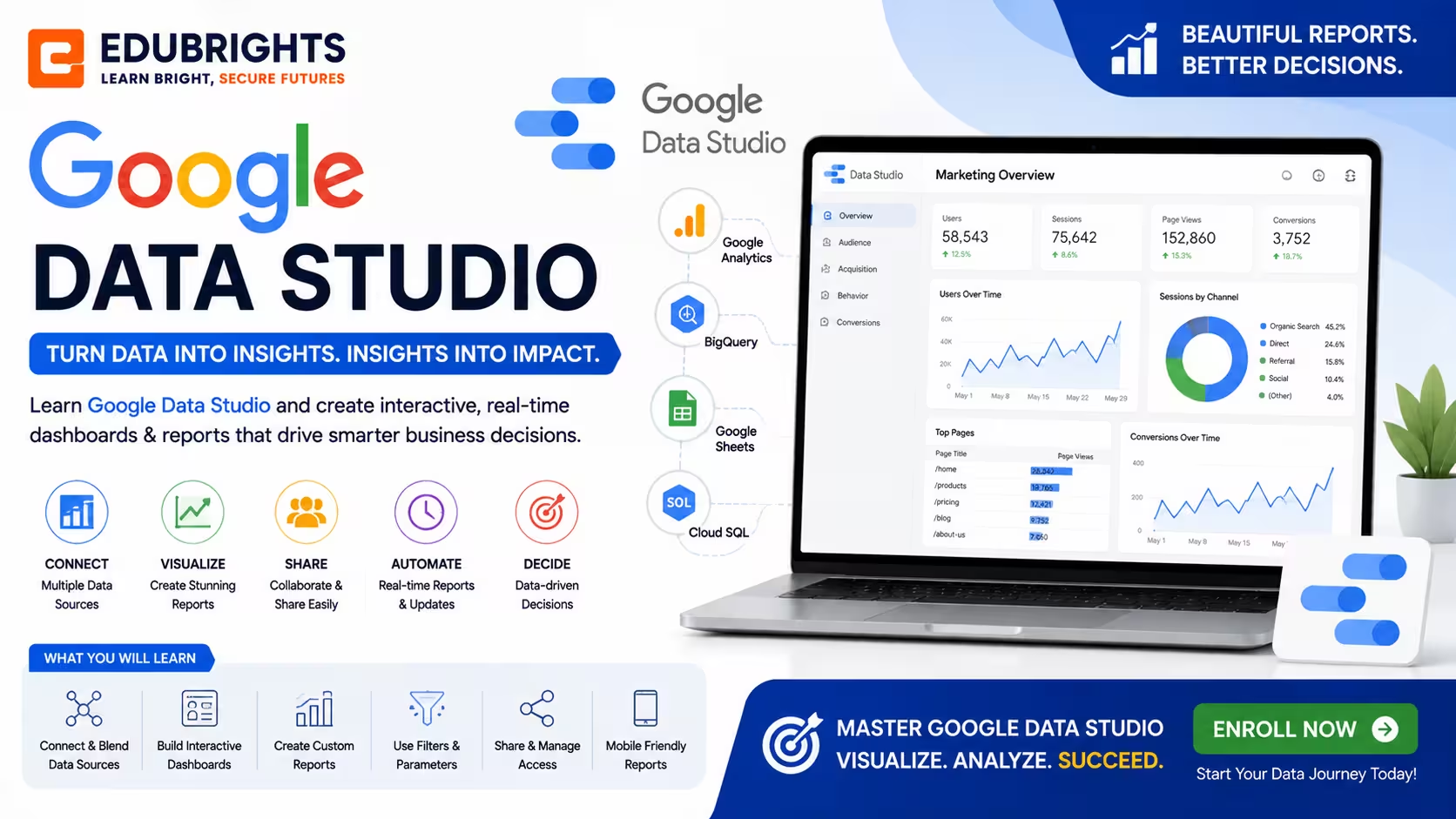
Google Data Studio training covers connecting multiple data sources, creating interactive reports and dashboards, using charts and visuals, and sharing insights effectively.
2. What are the main objectives of the Google Data Studio course for your development skills?
The course aims to help you create compelling visual reports, combine data from diverse sources, customize dashboards, and automate data-driven storytelling.
3. Which reporting and visualization concepts are covered in this course?
Explore dashboard creation, data connectors, charts, filters, calculated fields, blended data, scorecards, and report automation.
4. How does Looker Studio improve business reporting?
Learn how interactive dashboards improve data analysis, marketing reporting, executive decision-making, and operational performance monitoring.
5. What skills are required to become a Looker Studio professional?
Develop practical skills in dashboard design, data visualization, report building, business analytics, KPI tracking, and data storytelling.
Popular Techniques Covered in This Course
1.Data connection and blending
2.Visualization creation
3.Calculated fields and table calculations
4.Dashboard design
5.Storytelling with data
6.Publishing and sharing
7.Performance optimization
8.Mapping and geographic visualization
9.Parameters and interactivity
10.Certification readiness
Get Hands-on Knowledge about Real-Time Projects
Project 1
1. Website Analytics Dashboard Project
Build an interactive dashboard using Google Analytics data to monitor website traffic, user behavior, conversions, and marketing performance.
Project 2
2. Sales Performance Dashboard Project
Create a business dashboard that visualizes sales trends, revenue, customer performance, and key performance indicators using multiple data sources.
Project 3
3. Digital Marketing Reporting Project
Develop a unified marketing dashboard by integrating Google Ads, Google Analytics, and Search Console data to measure campaign performance.
Project 4
4. Executive Business Intelligence Dashboard Project
Design an executive-level reporting dashboard that provides real-time business insights through KPIs, scorecards, charts, and interactive filters.
Project 5
5. BigQuery Reporting Project
Connect Looker Studio with Google BigQuery to build enterprise-level dashboards for analyzing large datasets and generating business intelligence reports.
Key Features
Edubrights offers Google Data Studio Training in virtual mode with expert trainers. Here are the key features,
40 Hours Course Duration
100% Job Oriented Training
Industry Expert Faculties
Free Demo Class Available
Completed 500+ Batches
Certification Guidance
Curriculum
Module 1: Introduction to Google Data Studio Overview of Data Studio and its features Setting up your Google Data Studio account
Module 2: Connecting Data Sources Linking Google Analytics, Sheets, BigQuery, and other sources Data blending basics
Module 3: Creating Basic Visualizations Scorecards, bar charts, pie charts, tables Formatting and customizing visual elements
Module 4: Working with Filters and Controls Using date range filters and dimension controls Creating interactive dashboards
Module 5: Advanced Visualizations Maps, scatter plots, bullet charts, pivot tables
Module 6: Calculated Fields and Metrics Creating custom calculated fields Using formulas in Data Studio
Module 7: Designing Dashboards and Reports Layout best practices Adding pages, alignment, and themes
Module 8: Sharing and Collaboration Publishing reports Setting permissions and scheduling email delivery
Module 9: Google Data Studio Best Practices Visual storytelling techniques Optimizing report performance
Module 10: Hands-on Projects and Certification Preparation Building real-world reports Exam and certification guidance
Receive Training From Our Skilled and Effective Trainers
Experience in the Industry Gain knowledge from experts with practical Google Data Studio project experience in a variety of sectors.
Backgrounds at the Top Prominent corporations such as hcl, tcs , accenture and cognizant employ trainers.
Clear & Effective Teaching Excellent communication and real-world examples simplify complex subjects.
Hands-On Learning Focus Students can apply their abilities in real-world situations with the use of case studies and real-time projects.
Up-to-Date Knowledge Trainers stay current with the latest tools, techniques and best practices.
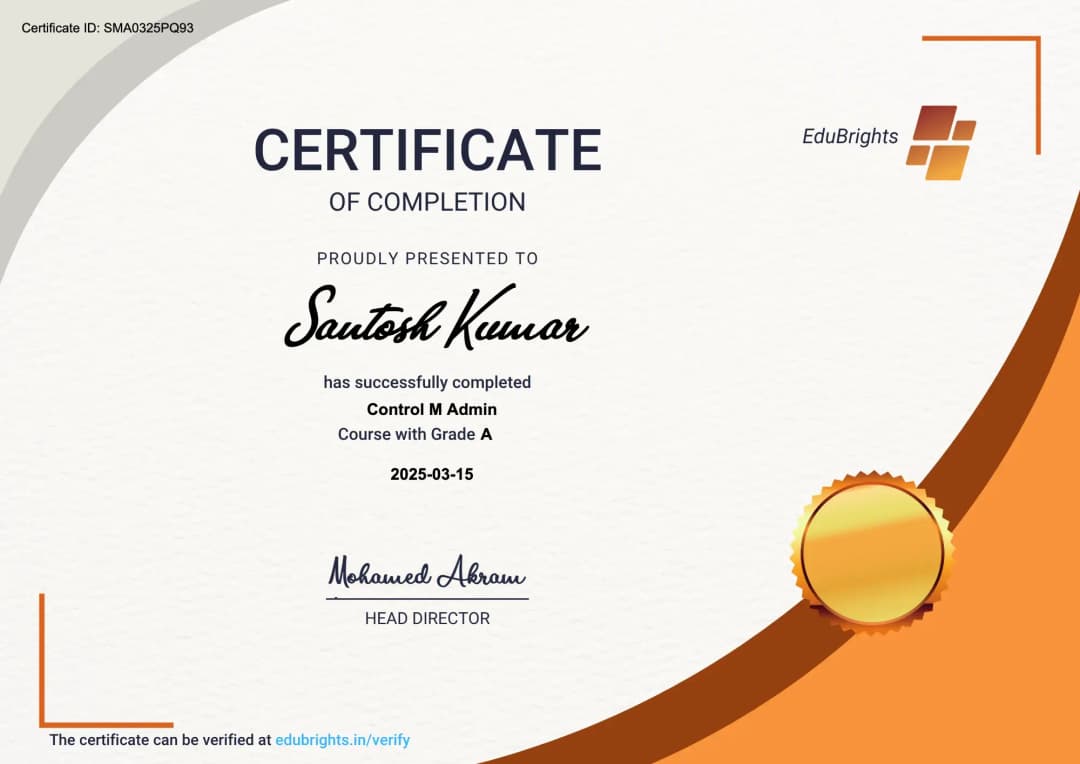
Earn an Industry-Recognized Google Data Studio (Looker Studio) Certification
Successfully completing the Google Data Studio (Looker Studio) Course in Chennai demonstrates your ability to create interactive dashboards, build business intelligence reports, visualize data, and generate actionable insights using Looker Studio.
Course FAQs
1. What is Google Data Studio?
A free data visualization and reporting tool by Google.
2. Who should learn Google Data Studio?
Marketers, analysts, and business professionals.
3. Can it connect to multiple data sources?
Yes, including Google Analytics, Sheets, and BigQuery.
4. Does it support interactive dashboards?
Yes, with filters and controls.
5. Are calculated fields supported?
Yes, you can create custom metrics.
6. Can I share reports easily?
Yes, via links, email scheduling, and embed options.
7. Is it suitable for beginners?
Yes, with a user-friendly interface.
8. Are advanced charts available?
Yes, including maps and pivot tables.
9. Does it help with collaboration?
Yes, multiple users can collaborate on reports.
10. Does this course prepare for certification?
Yes, certification readiness is included.
11. Does this course include practical projects?
Yes. Learners complete hands-on dashboard development, business reporting, analytics integration, and executive reporting projects using real-world business data.
12. Is Looker Studio in demand?
Yes. Data visualization and business intelligence skills are increasingly valuable across digital marketing, finance, healthcare, retail, and enterprise organizations.
13. Can beginners learn Looker Studio?
Yes. Beginners can easily learn dashboard creation, reporting, and business intelligence concepts through structured lessons and practical exercises.
Get Training Quote for Free
Testimonials
Hear What Our Students Say
"Transform your life through Education, hear it from our Alumni"

6 LPA
Fathima
Student
Software Engineer
"Transform your life through Education, hear it from our Alumni"

8 LPA
Rahul
Student
Data Scientist
"Transform your life through Education, hear it from our Alumni"

8 LPA
Siddharth
NIELSON IQ
Data Analyst