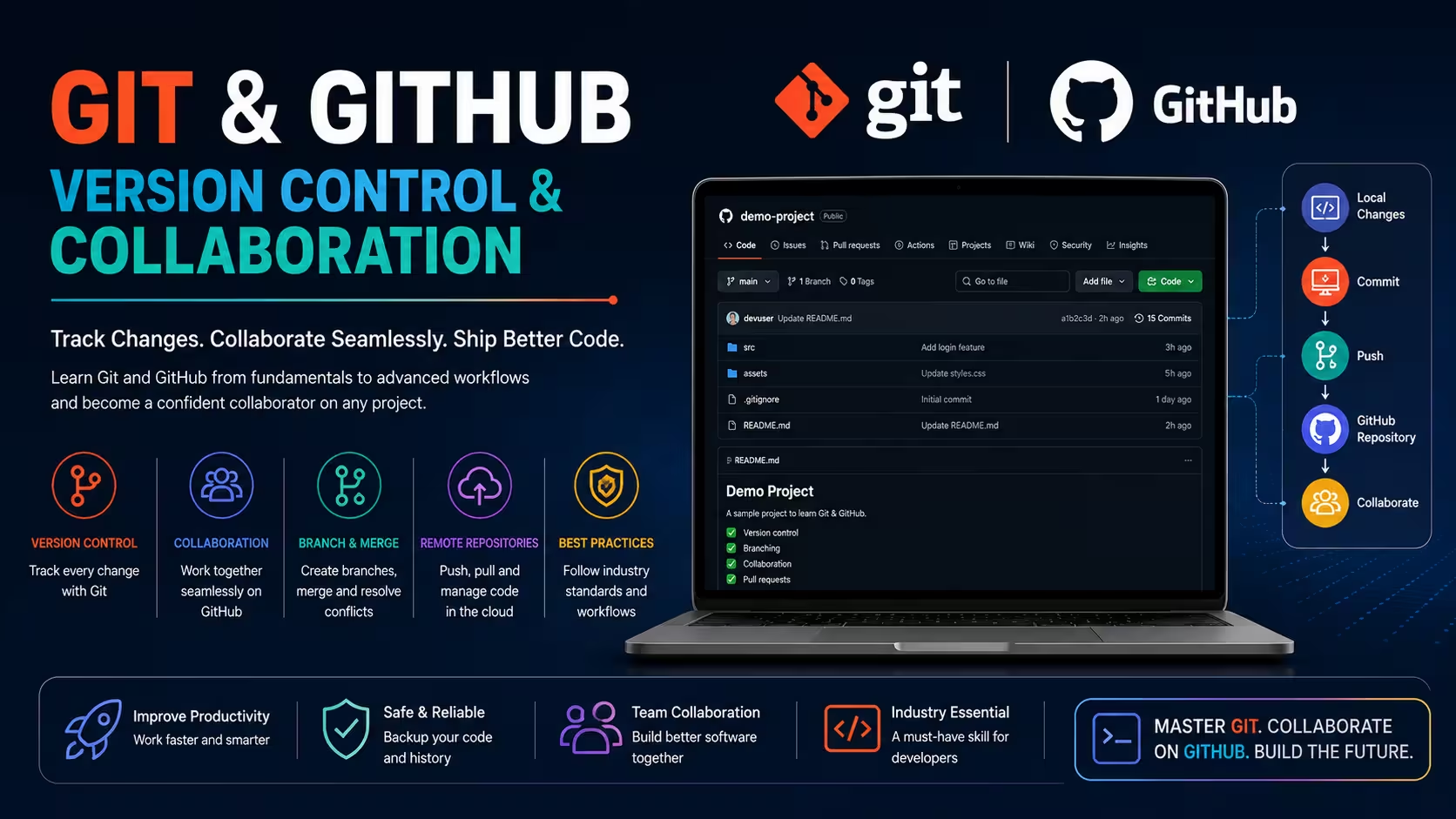
Course Objectives
1. What is Git and why is it important in software development?
Learn how Git tracks code changes, manages version history, and enables developers to collaborate efficiently on software projects.
2. Why do organizations use GitHub for project collaboration?
Understand how GitHub simplifies repository hosting, code reviews, team collaboration, project management, and continuous software development.
3. Which technologies are covered in this course?
Explore Git repositories, GitHub, branching, merging, pull requests, Git commands, release management, and DevOps integration.
4. How do Git and GitHub improve software development workflows?
Learn how version control, collaboration, and automated workflows reduce development errors and improve project productivity.
5. What skills are required to become proficient in Git and GitHub?
Develop practical skills in repository management, branch creation, collaboration, conflict resolution, version tracking, and GitHub project management.
Popular Techniques Covered in This Course
Git fundamentals
Git installation and configuration
Repository creation
Git commands
Commit management
Branch creation
Branch merging
Conflict resolution
GitHub repositories
Pull requests
Get Hands-on Knowledge about Real-Time Projects
Project 1
1. Personal Portfolio Repository Project
Create and manage a GitHub repository for a personal portfolio website. Track code changes, organize commits, and maintain version history using Git best practices.
Project 2
2. Team Collaboration Project
Collaborate with multiple developers on a shared GitHub repository using branches, pull requests, code reviews, and merge strategies for efficient software development.
Project 3
3. Open Source Contribution Project
Fork an open-source repository, implement improvements, resolve merge conflicts, and submit pull requests following GitHub collaboration standards.
Project 4
4. Release Management Project
Manage software releases using Git tags, version control strategies, and GitHub release features. Maintain organized project versions and deployment history.
Project 5
5. CI/CD Integration Project
Integrate a GitHub repository with a continuous integration workflow to automate code validation, testing, and deployment using GitHub Actions concepts.
Key Features
Edubrights offers GIT & GITHUB – VERSION CONTROL & COLLABORATION Training in virtual mode with expert trainers. Here are the key features,
40 Hours Course Duration
100% Job Oriented Training
Industry Expert Faculties
Free Demo Class Available
Completed 500+ Batches
Certification Guidance
Curriculum
Module 1: Introduction to Version Control and Git
- Version control fundamentals: why source control matters
- Git overview: distributed version control system concepts
- Git vs SVN and other VCS: distributed vs centralised comparison
- Installing Git: configuration, global settings, and SSH key setup
Module 2: Git Fundamentals
- Repository initialisation: git init and git clone
- Staging and committing: git add, git commit, and git status
- Viewing history: git log, git show, and git diff
- Undoing changes: git restore, git reset, and git revert
Module 3: Branching and Merging
- Branches: git branch, git checkout, and git switch
- Merging: fast-forward and three-way merge strategies
- Merge conflicts: identifying, resolving, and completing conflicts
- git rebase: replaying commits on top of another branch
Module 4: Remote Repositories
- GitHub: creating repositories, README, and .gitignore
- Remote operations: git remote, git fetch, git pull, and git push
- Forking: contributing to open-source projects via fork and pull request
- Upstream tracking: keeping forks in sync with the original repository
Module 5: GitHub Collaboration Features
- Pull requests: creating, reviewing, and merging pull requests
- Code review: inline comments, suggestions, and review approval
- Issues and project boards: tracking work in GitHub
- GitHub Actions: basics of CI/CD automation with GitHub Actions
Module 6: Git Workflows
- Feature branch workflow: isolated development and pull request merge
- GitFlow: release, develop, feature, hotfix, and support branches
- Trunk-based development: short-lived branches and continuous integration
- Choosing a workflow: matching strategy to team size and release cadence
Module 7: Advanced Git
- git stash: temporarily saving uncommitted changes
- git cherry-pick: applying specific commits to another branch
- git bisect: binary search for the commit introducing a bug
- git hooks: automating actions on commit, push, and merge events
Module 8: Capstone Project and Assessment
- GitHub repository setup: branching strategy and pull request workflow
- Merge conflict resolution and interactive rebase exercise
- GitHub Actions CI workflow: automated test on pull request
- Final assessment and course certification
Receive Training From Our Skilled and Effective Trainers
Experience in the Industry Learn from software engineers and DevOps practitioners who use Git and GitHub daily for source code management, code review, open-source contribution, and CI/CD pipeline integration across development teams.
Backgrounds at the Top Our Git and GitHub trainers have worked at software development companies and open-source projects, teaching version control workflows to teams ranging from startups to enterprise engineering organisations.
Clear & Effective Teaching Git fundamentals, branching, merging, rebasing, remote repositories, GitHub pull requests, code review, GitHub Actions, Git workflows, and advanced Git commands are explained with real software development examples.
Hands-On Learning Focus Students initialise repositories, create branches, resolve merge conflicts, collaborate with pull requests, configure GitHub Actions, and implement Git workflows through structured hands-on lab exercises.
Up-to-Date Knowledge Trainers keep content current with the latest Git and GitHub releases, GitHub Copilot integration, GitHub Actions platform updates, and evolving version control and collaborative development best practices.
Earn an Industry-Recognized Git & GitHub – Version Control & Collaboration Certification
Successfully completing the Git & GitHub – Version Control & Collaboration Course in Chennai demonstrates your ability to manage source code, collaborate with development teams, track project history, and implement industry-standard version control practices.

Course FAQs
1. What is Git?
Git is a distributed version control system that tracks changes in source code, allowing developers to manage project versions and collaborate efficiently.
2. What is GitHub?
GitHub is a cloud-based platform that hosts Git repositories and provides collaboration features such as pull requests, issue tracking, code reviews, and project management.
3. Who should learn Git and GitHub?
Students, software developers, DevOps engineers, testers, IT professionals, and anyone interested in software development should learn Git and GitHub.
4. Is programming knowledge required before learning Git?
Basic programming knowledge is helpful, but beginners can learn Git commands, repository management, and collaboration workflows without advanced coding experience.
5. What is a Git repository?
A Git repository stores project files, tracks changes, maintains version history, and enables developers to collaborate on software projects effectively.
6. What is branching in Git?
Branching allows developers to work on new features or fixes independently without affecting the main project until changes are merged successfully.
7. What is a pull request?
A pull request allows developers to propose code changes, request reviews, discuss modifications, and merge approved updates into the main repository.
8. Does this course include practical projects?
Yes. Learners complete hands-on projects involving repositories, branching, merging, collaboration, version control, and GitHub workflow management.
9. What jobs require Git and GitHub skills?
Git and GitHub are essential skills for software developers, DevOps engineers, testers, cloud engineers, and software configuration management professionals.
10. Can Git be used without GitHub?
Yes. Git works independently on local systems, while GitHub provides cloud-based hosting, collaboration features, and repository management capabilities.
11. Will I learn GitHub collaboration techniques?
Yes. The course covers branching strategies, pull requests, code reviews, repository sharing, issue tracking, and collaborative software development practices.
12. Are Git and GitHub important for DevOps?
Yes. Git and GitHub are fundamental DevOps tools used for source code management, CI/CD pipelines, automation, and collaborative development workflows.
13. Is Git a valuable skill for software careers?
Yes. Git is an industry-standard version control system used by organizations worldwide, making it an essential skill for modern software development careers.
Get Training Quote for Free
Testimonials
Hear What Our Students Say
"Transform your life through Education, hear it from our Alumni"

8 LPA
Rahul
Student
Data Scientist
"Transform your life through Education, hear it from our Alumni"

8 LPA
Siddharth
NIELSON IQ
Data Analyst
"Transform your life through Education, hear it from our Alumni"

6 LPA
Fathima
Student
Software Engineer