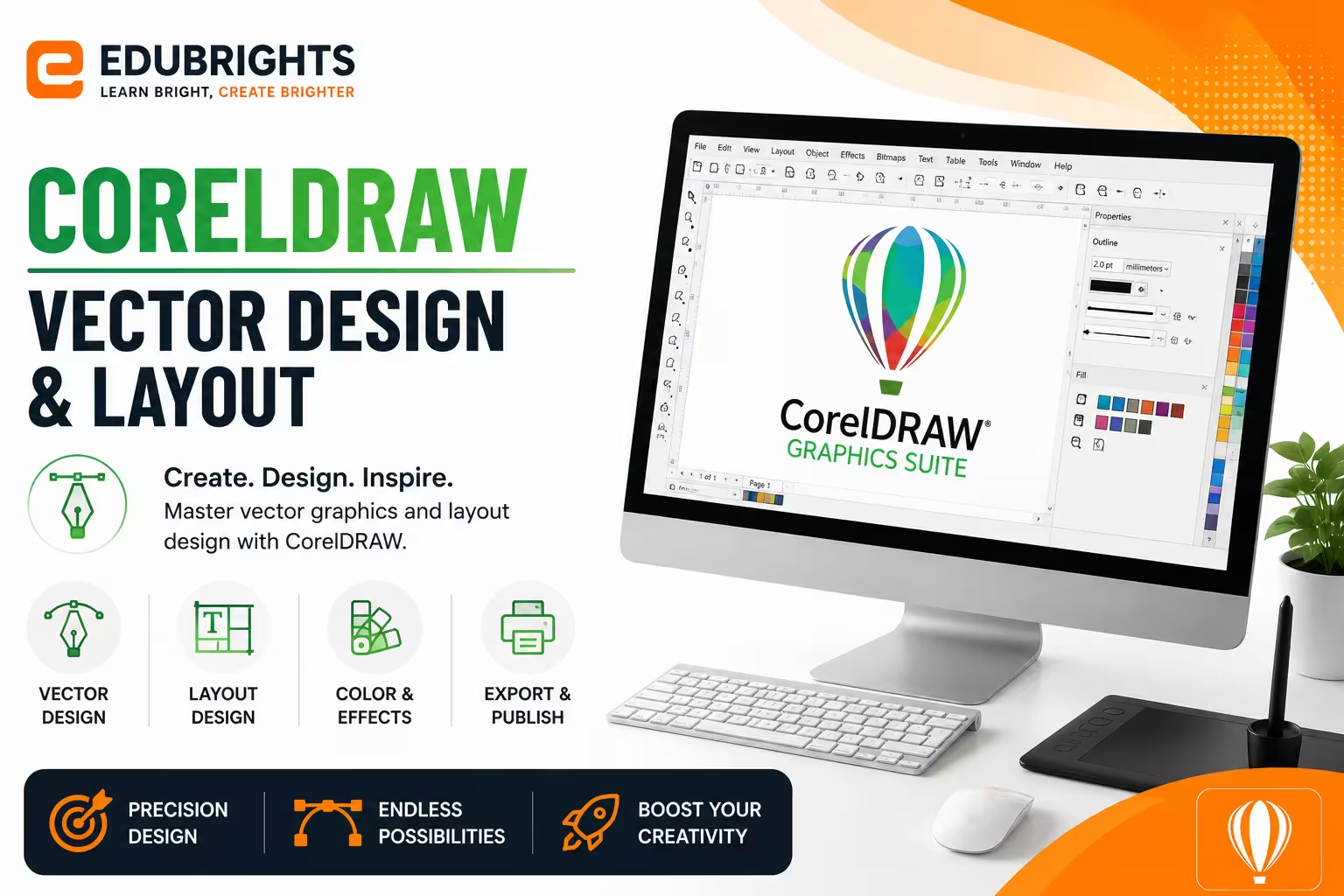
Course Objectives
1. Q: What is CorelDRAW used for?
A: CorelDRAW is used for vector graphic design such as logos, posters, brochures, banners, and print media design.
2. Q: Why is vector design important?
A: Vector designs can be resized infinitely without losing clarity, making them ideal for printing and branding.
3. Q: What is typography in CorelDRAW?
A: Typography is the art of arranging text to make designs more readable and visually appealing.
4. Q: Why is color management important in design?
A: Proper color management ensures consistent and high-quality printing and branding across platforms.
5. Q: What formats does CorelDRAW support?
A: CorelDRAW supports formats like AI, PDF, PNG, JPG, SVG, and CDR for different design needs.
Popular Techniques Covered in This Course
1. Vector Illustration Design
2. Logo Design
3. Typography Design
4. Page Layout Design
5. Image Tracing
6. Color Theory Application
7. Print Production Knowledge
8. Creative Effects Usage
9. Branding Design Skills
10. Export & File Optimization
Get Hands-on Knowledge about Real-Time Projects
Project 1
Project 1: Corporate Logo Design
Description: Create a professional logo for a company using vector shapes and typography.
Project 2
Project 2: Business Flyer & Poster Design
Description: Design marketing flyers and posters for product promotion and advertising campaigns.
Project 3
Project 3: Brand Identity Kit
Description: Develop a complete branding package including logo, visiting card, letterhead, and envelope design.
Project 4
Project 4: Product Packaging Design
Description: Create attractive packaging designs for retail products with print-ready layouts.
Project 5
Project 5: Social Media Creative Designs
Description: Design banners, posts, and promotional creatives for digital marketing campaigns.
Key Features
Edubrights offers CORELDRAW – VECTOR DESIGN & LAYOUT Training in virtual mode with expert trainers. Here are the key features,
40 Hours Course Duration
100% Job Oriented Training
Industry Expert Faculties
Free Demo Class Available
Completed 500+ Batches
Certification Guidance
Curriculum
Module 1: Introduction to CorelDRAW
- CorelDRAW overview: vector illustration and page layout application
- CorelDRAW workspace: toolbox, dockers, property bar, and rulers
- Document setup: page size, orientation, and colour profiles
- CorelDRAW vs Adobe Illustrator: comparison and when to choose each
Module 2: Drawing and Shape Tools
- Rectangle, ellipse, polygon, and star shape tools
- Freehand and Bézier tools: drawing custom vector paths
- Smart Drawing tool: converting freehand strokes to clean shapes
- Perfect Shape tools: banners, callouts, and flowchart shapes
Module 3: Colour and Fills
- Uniform fill, fountain fill, and pattern fill options
- Interactive Fill tool: applying and editing gradient fills on canvas
- Colour palette management: creating and importing custom palettes
- Mesh fill: creating complex colour transitions within objects
Module 4: Text and Typography
- Artistic text vs paragraph text: when to use each
- Text formatting: fonts, sizes, leading, and kerning in CorelDRAW
- Fitting text to a path: curved and circular text layouts
- Find and replace fonts: updating typography across large documents
Module 5: Object Management and Effects
- Object properties: grouping, combining, and breaking apart objects
- PowerClip: placing objects inside container shapes
- Envelope distortion: reshaping objects with envelope handles
- Drop shadows, contours, and blend effects
Module 6: Page Layout and Multi-Page Documents
- Multi-page documents: adding, reordering, and managing pages
- Master layers: applying consistent elements across all pages
- Guidelines and grids: precision layout for print and digital
- Table tool: creating structured data tables in CorelDRAW
Module 7: Print and Export
- Print dialog: setting up bleed, crop marks, and colour separations
- PDF export: print-ready and interactive PDF settings
- Exporting to raster: PNG, JPEG, and TIFF export options
- Print merge: variable data printing for personalised documents
Module 8: Capstone Project and Assessment
- Logo and brand mark design project in CorelDRAW
- Multi-page brochure layout with consistent typography and grid
- Print-ready export package with bleed and crop mark settings
- Final assessment and course certification
Receive Training From Our Skilled and Effective Trainers
Experience in the Industry Gain expertise from CorelDRAW professionals who have used CorelDRAW for commercial print design, signage, packaging, and brand identity projects in printing houses, sign-making companies, and design studios.
Backgrounds at the Top Our CorelDRAW trainers have worked in commercial printing and sign-making industries where CorelDRAW remains the preferred vector design tool for production workflows.
Clear & Effective Teaching CorelDRAW workspace, drawing tools, colour and fills, typography, effects, multi-page layout, print production, and export settings are explained with practical commercial design examples.
Hands-On Learning Focus Students create logos, design multi-page brochures, apply CorelDRAW effects, configure print settings, and produce print-ready files through structured hands-on CorelDRAW project labs.
Up-to-Date Knowledge Trainers keep content current with the latest CorelDRAW Graphics Suite releases, AI-powered design features, and evolving vector design and commercial print production best practices.
CorelDRAW Vector Design & Professional Graphics Certification
Our institution offers a recognized CORELDRAW – VECTOR DESIGN & LAYOUT certification. This certification enhances your portfolio and prepares you for collaborative projects in real-world environments. Gain practical skills through hands-on training and assessments.

Course FAQs
1. What is CorelDRAW used for?
CorelDRAW is used for creating vector-based graphic designs such as logos, posters, banners, and brochures. It is widely used in printing and advertising industries for professional design work. Designs created in CorelDRAW can be scaled without losing quality.
2. Is CorelDRAW easy to learn for beginners?
Yes, CorelDRAW is very beginner-friendly compared to other design tools. With basic practice, anyone can learn tools like shapes, text, and colors easily. Step-by-step training helps students quickly become job-ready designers.
3. What are vector graphics in CorelDRAW?
Vector graphics are images created using mathematical paths instead of pixels. They can be resized infinitely without losing clarity or quality. This makes them ideal for logos, branding, and print designs.
4. What jobs can I get after learning CorelDRAW?
After learning CorelDRAW, you can work as a Graphic Designer, DTP Operator, or Logo Designer. You can also work in advertising agencies, printing shops, and digital marketing companies. Freelance design jobs are also widely available.
5. Is CorelDRAW better than Photoshop?
CorelDRAW is better for vector design like logos and layouts. Photoshop is better for photo editing and raster-based work. Both tools are often used together in professional design industries.
6. Do I need drawing skills to learn CorelDRAW?
No, drawing skills are not mandatory to learn CorelDRAW. The software provides tools that help you create designs easily using shapes and effects. Creativity and practice are more important than drawing ability.
7. What file formats does CorelDRAW support?
CorelDRAW supports multiple formats like CDR, PDF, JPG, PNG, and SVG. These formats help in both digital sharing and professional printing. You can export designs based on client or project requirements.
8. Can CorelDRAW be used for print design?
Yes, CorelDRAW is widely used for professional print production. It is used for business cards, brochures, posters, and packaging designs. It ensures high-quality output suitable for printing industries.
9. Is CorelDRAW useful for freelancing?
Yes, CorelDRAW is highly useful for freelance designers. You can work on logo design, branding, social media posts, and marketing creatives. Many freelancers earn income by offering CorelDRAW design services online.
10. What skills will I learn in CorelDRAW training?
You will learn vector design, typography, logo creation, and layout design. You will also gain skills in color management, effects, and print preparation. These skills are in high demand in design and marketing industries.
11. Is CorelDRAW used in companies?
Yes, many printing and advertising companies use CorelDRAW daily. It is popular for designing marketing materials and branding assets. It is a standard tool in many creative workplaces.
12. What is typography in CorelDRAW?
Typography is the art of arranging text in a visually attractive way. It includes font selection, spacing, alignment, and text effects. Good typography improves design readability and visual impact.
13. Can I get a job after CorelDRAW certification?
Yes, CorelDRAW certification improves your chances of getting design jobs. It shows that you have practical knowledge of graphic design tools. It helps you stand out in interviews and freelance platforms.
14. Is CorelDRAW used for logo design?
Yes, CorelDRAW is one of the most popular tools for logo design. It allows designers to create scalable and professional vector logos. Many companies prefer CorelDRAW for branding projects.
15. Can beginners earn with CorelDRAW?
Yes, beginners can start earning after learning basic CorelDRAW skills. You can take freelance projects or join design studios. With practice and portfolio building, income opportunities increase.
Get Training Quote for Free
Testimonials
Hear What Our Students Say
"Transform your life through Education, hear it from our Alumni"

8 LPA
Rahul
Student
Data Scientist
"Transform your life through Education, hear it from our Alumni"

8 LPA
Siddharth
NIELSON IQ
Data Analyst
"Transform your life through Education, hear it from our Alumni"

6 LPA
Fathima
Student
Software Engineer