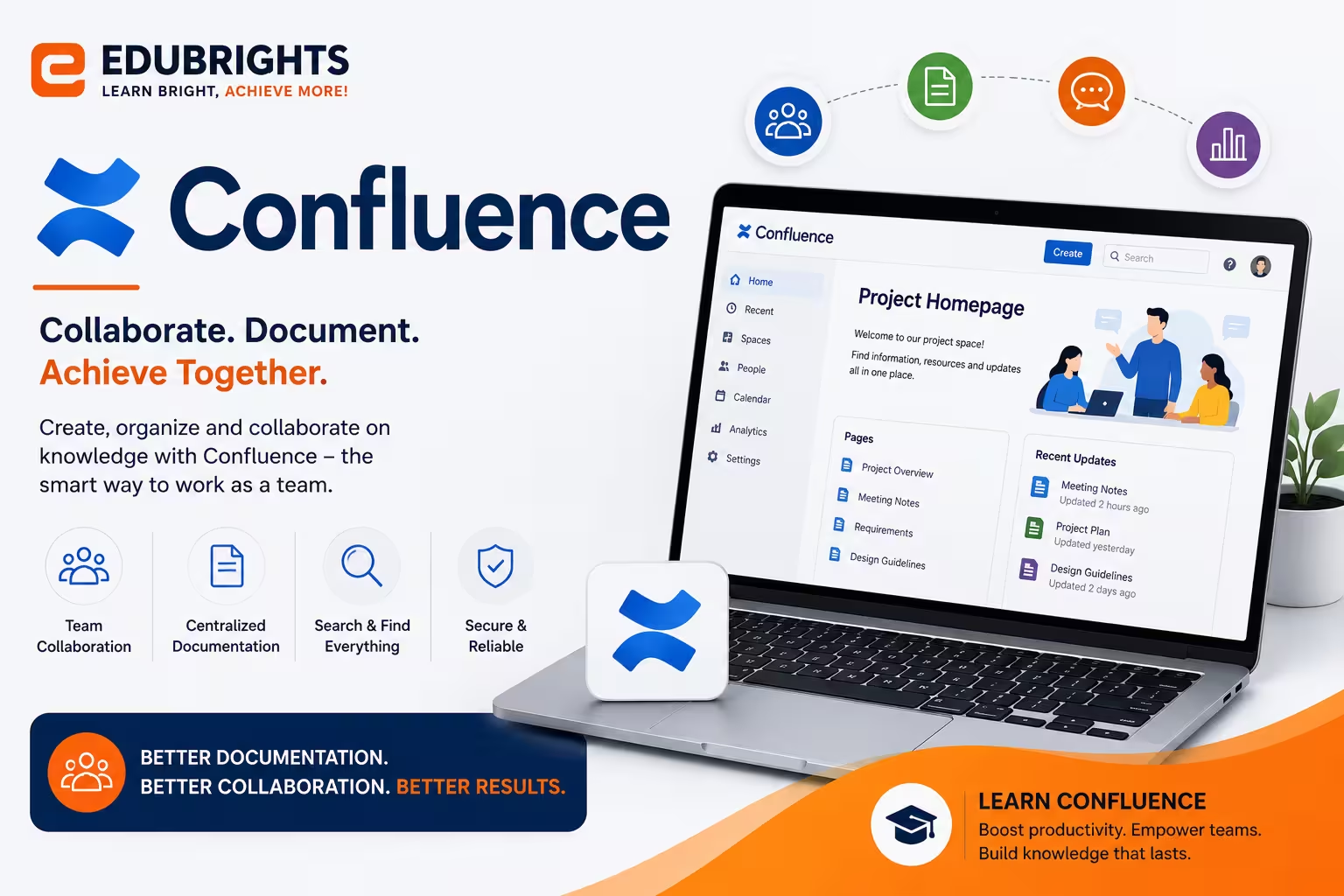
Course Objectives
1. Q: What is Confluence?
A: Confluence is a collaboration and documentation platform used to create, organize, and share knowledge across teams.
2. Q: Why is Confluence used for documentation?
A: It provides a centralized platform where teams can store, update, and share information easily.
3. Q: How does Confluence improve team collaboration?
A: It enables teams to work together in real time and keep project information organized.
4. Q: Why integrate Confluence with Jira?
A: Integration links project documentation with issue tracking for better project management.
5. Q: What are permissions in Confluence?
A: Permissions control who can view, edit, or manage pages and spaces.
Popular Techniques Covered in This Course
Confluence Page Creation
Space Management
Documentation Management
Team Collaboration
Jira Integration
User & Permission Management
Template Creation
Knowledge Base Development
Workflow Documentation
Content Organization
Get Hands-on Knowledge about Real-Time Projects
Project 1
Project 1: Company Knowledge Base
Description: Create a centralized knowledge base for policies, procedures, and documentation.
Project 2
Project 2: Software Project Documentation
Description: Develop project documentation integrated with Jira for software development teams.
Project 3
Project 3: Employee Onboarding Portal
Description: Build an onboarding portal containing training materials and company resources.
Project 4
Project 4: IT Support Documentation
Description: Create troubleshooting guides, FAQs, and technical documentation for IT support teams.
Project 5
Project 5: Project Collaboration Workspace
Description: Design a collaborative workspace for project planning, meeting notes, and task tracking.
Key Features
Edubrights offers Confluence Training in virtual mode with expert trainers. Here are the key features,
40 Hours Course Duration
100% Job Oriented Training
Industry Expert Faculties
Free Demo Class Available
Completed 500+ Batches
Certification Guidance
Curriculum
Module 1: Introduction to Confluence
- Confluence overview: team wiki and documentation platform by Atlassian
- Confluence Cloud vs Data Center: deployment options and differences
- Confluence structure: Sites, Spaces, Pages, and Blogs
- Navigating Confluence: Space directory, personal space, and page tree
Module 2: Creating and Organising Content
- Page editor: text formatting, headings, tables, and macros
- Page templates: using and creating templates for consistent documentation
- Page tree organisation: parent-child hierarchy and page reordering
- Labels: tagging pages for categorisation and search filtering
Module 3: Confluence Macros and Dynamic Content
- Content macros: Table of Contents, Children Display, and Recently Updated
- Info, Note, Warning, and Tip macros for callout formatting
- Jira Issues macro: embedding live Jira ticket lists in Confluence pages
- Roadmap and Task Report macros for project status pages
Module 4: Spaces and Space Administration
- Space types: team spaces, project spaces, and personal spaces
- Space permissions: view, add, edit, and delete permission configuration
- Space templates: setting default page templates for a space
- Space shortcuts and space home page customisation
Module 5: Collaboration Features
- Inline comments: contextual feedback on specific page content
- Page comments: threaded discussions on documentation pages
- @mentions and notifications: alerting team members to relevant content
- Page watching and notification preferences for content updates
Module 6: Confluence and Jira Integration
- Linking Confluence pages to Jira projects and epics
- Jira Issues macro: embedding filtered issue lists in pages
- Creating Confluence pages from Jira: requirements and meeting notes
- Product requirements document (PRD) workflow with Jira and Confluence
Module 7: Search, Reporting, and Analytics
- Confluence search: advanced search with filters and CQL queries
- Page analytics: views, unique visitors, and engagement tracking
- Space analytics: identifying popular and outdated content
- Content audit: reviewing stale pages and archiving old documentation
Module 8: Capstone Project and Assessment
- Confluence space setup: page tree, templates, and permissions
- Technical documentation project: API docs, runbooks, and architecture pages
- Jira-Confluence integration: sprint pages linked to Jira board
- Final assessment and course certification
Receive Training From Our Skilled and Effective Trainers
Experience in the Industry Learn from Atlassian-certified Confluence administrators and technical writers who have built team documentation spaces, engineering wikis, and knowledge bases for software development and IT operations teams.
Backgrounds at the Top Our Confluence trainers have worked at technology companies and Atlassian partner organisations where Confluence is the primary tool for engineering documentation, project wikis, and cross-team knowledge sharing.
Clear & Effective Teaching Confluence page editor, macros, space administration, permissions, Jira integration, collaboration features, search, and analytics are explained with real team documentation and engineering wiki examples.
Hands-On Learning Focus Students build Confluence spaces, create documentation with macros, configure permissions, set up Jira integrations, manage space analytics, and build project documentation templates through structured labs.
Up-to-Date Knowledge Trainers keep content current with the latest Confluence Cloud releases, Atlassian Intelligence AI features, new editor capabilities, and evolving technical documentation and knowledge management best practices.
Confluence Professional Training Certification
Our institution offers a recognized Confluence certification. This certification enhances your portfolio and prepares you for collaborative projects in real-world environments. Gain practical skills through hands-on training and assessments.

Course FAQs
1. What is Confluence?
Confluence is a collaboration tool used to create, organize, and share team documentation.
2. Who should learn Confluence?
Project managers, business analysts, developers, QA engineers, and IT professionals.
3. Is Confluence easy to learn?
Yes. It has a simple interface and is suitable for beginners.
4. What is Confluence mainly used for?
It is used for documentation, knowledge sharing, and team collaboration.
5. Can Confluence integrate with Jira?
Yes. It integrates seamlessly with Jira for project and issue management.
6. Is coding required to use Confluence?
No. You can use Confluence without programming knowledge.
7. What are Confluence spaces?
Spaces are dedicated areas used to organize projects, teams, or documentation.
8. Can multiple users edit a page?
Yes. Teams can collaborate on pages with comments and version history.
9. Is Confluence cloud-based?
Yes. It is available in both Cloud and Data Center editions.
10. What skills will I learn?
You will learn documentation, collaboration, administration, templates, and Jira integration.
11. Which industries use Confluence?
IT, healthcare, finance, education, telecom, and manufacturing.
12. Does the course include practical projects?
Yes. You will complete real-world documentation and collaboration projects.
13. What jobs can I get after this course?
You can work as a Confluence Administrator, Business Analyst, Project Coordinator, or Documentation Specialist.
14. How long does it take to learn Confluence?
Most learners complete the course in 3 to 6 weeks.
15. Is Confluence a good career skill?
Yes. It is widely used by organizations for collaboration and project documentation.
Get Training Quote for Free
Testimonials
Hear What Our Students Say
"Transform your life through Education, hear it from our Alumni"

8 LPA
Rahul
Student
Data Scientist
"Transform your life through Education, hear it from our Alumni"

8 LPA
Siddharth
NIELSON IQ
Data Analyst
"Transform your life through Education, hear it from our Alumni"

6 LPA
Fathima
Student
Software Engineer